
Introduction
Every day, businesses lose countless hours manually filling out the same PDF forms-invoices, contracts, and surveys. Research shows that manual PDF form filling wastes an average of 2-3 hours per document, translating to thousands of dollars in lost productivity annually.
The solution? Fillable PDFs-interactive documents that let users type directly into designated fields, check boxes, and submit information digitally. Whether you're creating invoices, application forms, or client contracts, knowing how to make PDFs fillable is essential in today's digital workplace.
The challenge? While Adobe Acrobat has dominated the market, it comes with steep pricing and complexity. Fortunately, you now have multiple options-from professional software to free online tools and automated platforms that do the heavy lifting.
In this guide, we'll cover three proven methods to create fillable PDFs:
- Traditional desktop software (Adobe Acrobat Pro)
- Free online PDF editors
- Modern form-to-PDF automation that auto-generates fillable documents
By the end, you'll know exactly which method fits your needs, budget, and skill level.
Ready to ditch manual data entry? Try FormNX's free PDF builder and start automating your forms in minutes.
What Makes a PDF "Fillable"?
A fillable PDF is an interactive document with form fields where users can enter information electronically-no printing or scanning required. Unlike static PDFs, fillable versions include text boxes, checkboxes, dropdown menus, radio buttons, and digital signature fields.
Key components include:
- Text fields for names, addresses, and dates
- Checkboxes for yes/no questions or multiple selections
- Dropdown menus for predefined options
- Digital signature fields for e-signatures
- Auto-calculation fields: For invoices and forms requiring automatic totals
Businesses using fillable PDF forms report 40% efficiency improvements in document processing, reduced errors, and faster turnaround times. Common use cases span every industry: sales invoices, job applications, patient intake forms, real estate contracts, and registration documents.
Three Ways to Create Fillable PDFs
Method 1: Adobe Acrobat Pro
Adobe Acrobat remains the industry standard for professional PDF work.
Process:
- Open your PDF in Acrobat Pro
- Navigate to Tools > Prepare Form (auto-detects fields)
- Add and customize text fields, checkboxes, and dropdowns
- Test and distribute
Pros: Advanced features, JavaScript support, professional results, Adobe ecosystem integration.
Cons: $15-20+ monthly subscription, steep learning curve, overkill for simple forms.
Best for: Large enterprises, legal professionals, teams already using Adobe Creative Cloud.
Method 2: Free Online PDF Tools
For quick solutions without cost, several platforms offer basic fillable PDF creation.
Popular options: Smallpdf, Sejda, PDFgear
Workflow:
- Upload your PDF
- Select "Add New Form Fields"
- Place text boxes and checkboxes
- Download your fillable PDF
Pros: Zero cost, no installation, accessible anywhere, quick for simple forms.
Cons: Watermarks, file limits, basic customization, no automation, privacy concerns with sensitive data.
Best for: One-off projects, personal use, simple form needs.
Method 3: FormNX - Automated Form-to-PDF Generation ⭐
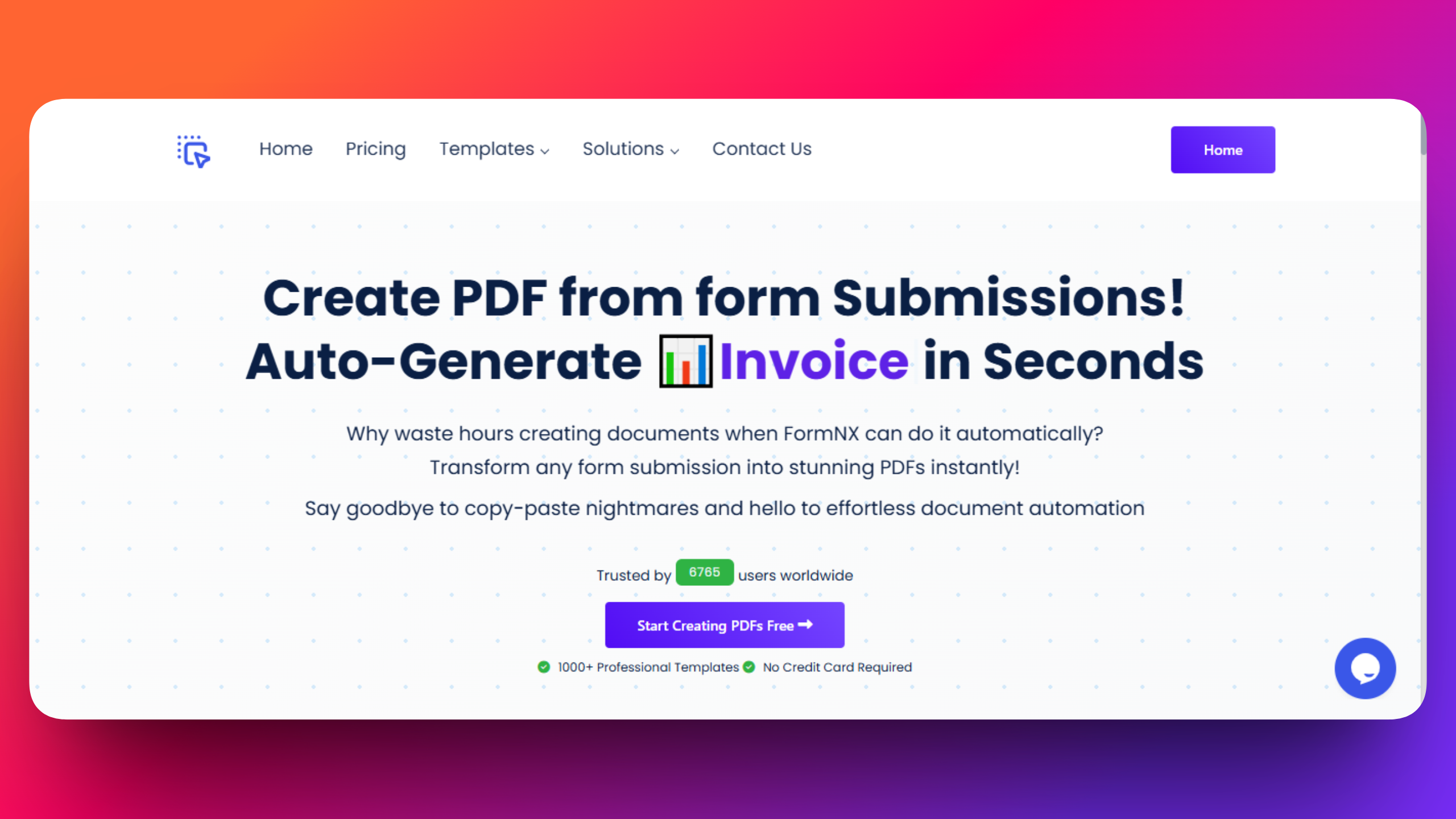
Instead of manually creating fillable PDFs, what if you could design a form once and automatically generate fillable PDFs from every submission? FormNX flips the traditional workflow.
How it works:
Step 1: Build Your Form Use the drag-and-drop form builder to add fields-text inputs, emails, checkboxes, dropdowns, file uploads. Choose from 1,000+ professional templates or build custom forms. No coding required.
Step 2: Design Your PDF Template In the PDF Builder, design your output document. Choose the form for which you want to generate PDFs and then customize the PDF design according to your needs like adding your logo, customize fonts and colors, create the layout.
The key difference: link PDF elements directly to form data. When someone fills "Customer Name" on your form, it auto-populates on the PDF field. Set up once, works forever.
Step 3: Automatic Generation Share your form link. Every submission instantly generates a perfectly formatted, fillable PDF with their information populated. No manual entry, no copy-pasting, no errors.
Real example: A consulting business creates an intake form for client details. They design a branded proposal template. Every form submission auto-generates a professional PDF proposal with specific client information. That's automation.
Guide: You can refer to this 👉 Documentation for detailed, step-by-step instructions on how to create customizable PDFs for your forms and utilize the PDF feature to get customized PDF documents.
Why FormNX stands out:
- 1,000+ Professional Templates: Invoices, contracts, certificates-all customizable
- True Automation: Build once, every time generate PDFs from responses
- Plan: No cost for unlimited forms and submissions but the number of PDF documents you can create depends on your PDF credits according to your subscription.
- No Code Required: Intuitive drag-and-drop interface
- Smart Data Mapping: Automatic field linking ensures accuracy
- Advanced Features: Conditional logic, file uploads, payment integration, and many more.
Pricing: Start free with unlimited forms. Pro plans starts from $12/month includes add custom branding removal, 1,000-20,000 PDF credits monthly, and premium features.
Check details about pricing plans 👉 here
With 6,700+ users and 408,000+ submissions generating automated PDFs, FormNX is the go-to solution for businesses eliminating manual workflows.
Start with FormNX's free PDF builder →
Pro Tips for Better Fillable PDFs
Optimize for Mobile: 60%+ of forms are completed on mobile. Ensure fields are large enough for touch, use clear labels, and test on multiple devices. FormNX automatically optimizes for mobile.
Brand Your Forms: Add your logo, use brand colors, select matching fonts, and include contact details. This transforms generic forms into branded assets.
Use Conditional Logic: Show/hide fields based on answers, skip irrelevant sections, create branching paths. Reduces form fatigue and improves completion rates.
Set Field Validation: Require specific formats for emails/phones, set character limits, mark required fields, provide error messages. Ensures clean data.
Quick Comparison
| Feature | Adobe Acrobat | Free Tools | FormNX |
|---|---|---|---|
| Cost | $15-20/mo | Free (limited) | Free starter, paid plans starts from $12/month |
| Ease of Use | Complex | Simple | Intuitive |
| Automation | Manual | Manual | Auto-generates |
| Templates | Basic | Limited | 1,000+ |
| Mobile | Requires optimization | Varies | Built-in responsive |
FAQ
Can I make PDFs fillable for free?
FormNX provides a completely free starter plan with unlimited forms and submissions but the number of PDF documents you can create depends on your PDF credits! Every time someone submits your form, a new PDF is automatically generated. You can purchase more PDF credits addon.
How does FormNX differ from traditional PDF editors?
Traditional editors require manually creating fillable fields in each document. FormNX connects forms to PDFs-build once, and every form submission automatically generates a completed PDF. This eliminates repetitive work.
Can fillable PDFs work on mobile?**
Yes, FormNX forms are optimized for mobile with responsive design, ensuring seamless completion on any device.
Can I edit a fillable PDF after creating it?
Yes, FormNX allows updating your form and PDFs anytime, with changes applying to all future submissions.
What's the best way to make PDFs fillable in 2026?
FormNX wins: Auto-generates from forms with drag-drop design and 1000+ templates. Faster than Adobe, no Smallpdf limits.
Can FormNX auto-fill PDFs with form data?
Yes-map form fields (name, email) to PDF spots; every response populates a branded, fillable PDF instantly.
Is FormNX better than Jotform for PDFs?
Yes-unlimited subs, no branding on pro, superior templates. Handles 408K+ submissions reliably and 6,700+ users world-wide.
Conclusion
Creating fillable PDFs has evolved beyond Adobe Acrobat being your only option. Choose from professional desktop software, free online tools, or innovative automation platforms.
For advanced features and complex legal documents, Adobe Acrobat Pro remains the gold standard despite premium pricing.
For simple one-off forms without budget, free online editors like Smallpdf offer quick solutions.
But for eliminating repetitive work, FormNX represents the future. By connecting forms to PDFs, you automate document workflows. Design once, automate forever.
The PDF tools market is projected to grow from $2B (2025) to $6B (2033), driven by businesses discovering automated form handling. Smart businesses aren't just asking "how to make PDFs fillable"-they're asking "how to eliminate manual PDF work entirely."
Ready to stop filling PDFs manually? Start creating automated fillable PDFs with FormNX-no credit card, no coding, unlimited forms from day one.