
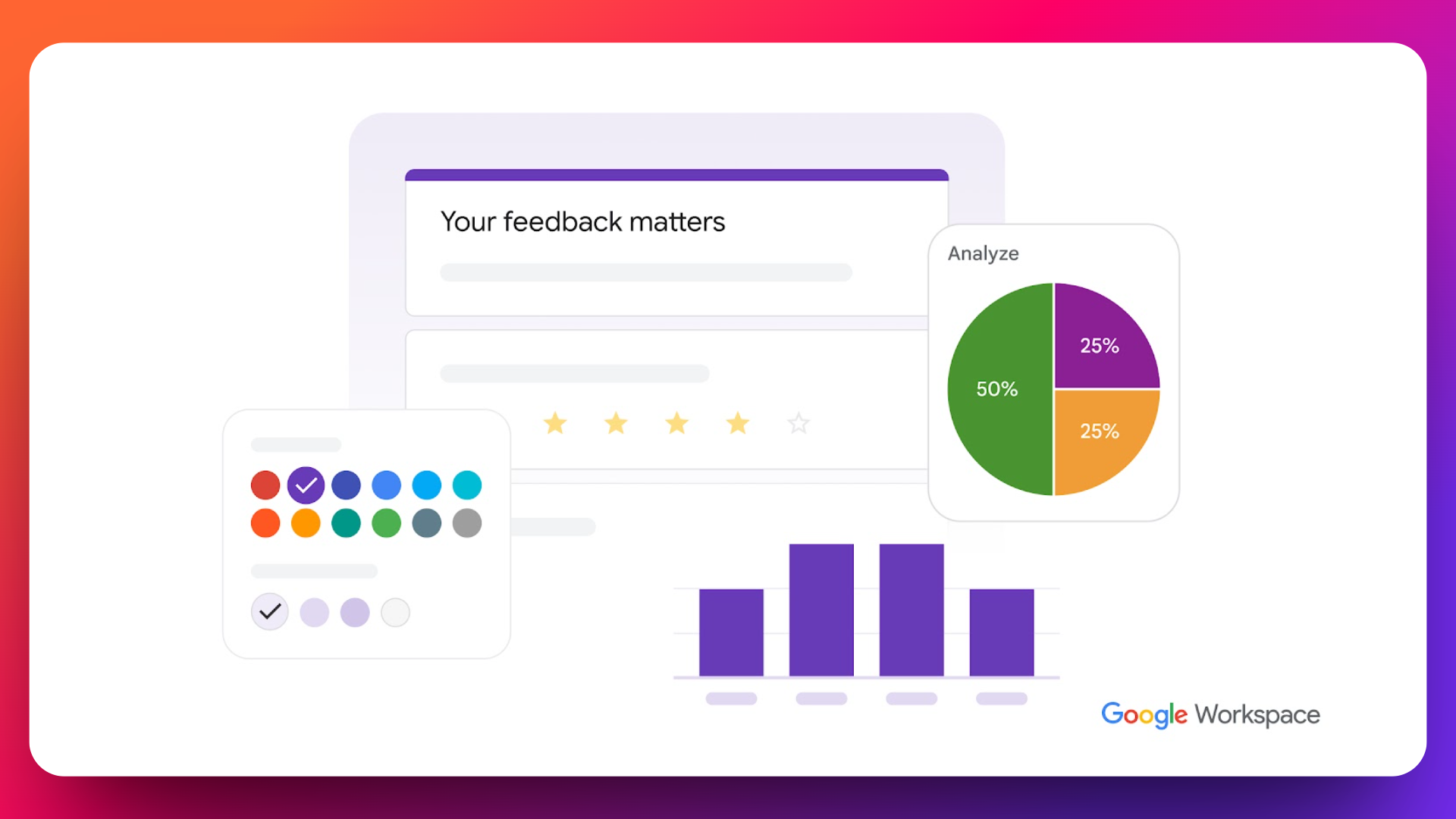
Looking for a Google Forms alternative? Google Forms has been the go-to choice for millions of users creating simple surveys and collecting basic information. While it's free and easy to use, Google Forms falls short when businesses need advanced features, better customization, or professional-grade functionality - and that's when its competitors start looking attractive.
The limitations become apparent quickly: limited design customization options that make forms look generic and unprofessional, basic conditional logic that can only show one question per page, no payment integration capabilities, lack of e-signature features, doesn't prevent duplicate submissions and no advanced analytics or reporting tools. For businesses handling sensitive data, Google Forms also lacks GDPR compliance features and password protection.
In Google Forms you need to install and set up the Add-ons to send customized confirmation emails which is a hard, lengthy and time consuming process. Google Forms does not have a built-in feature to save partial responses, means you cannot complete a partially filled form and if you leave a Google Form without submitting it, all your answers will be lost. It does not have "save and continue later" or "save as Draft" feature.
Whether you're collecting event registrations, generating leads, processing payments, or conducting market research, these limitations can significantly impact your workflow efficiency and brand perception. Professional organizations need form builders that offer advanced conditional logic, payment processing, custom branding, robust security features, and seamless integrations.
Need all the features Google Forms is missing?
FormNX gives you unlimited submissions, e-signatures, payments, and PDF generation - starting at $15/mo with a free forever plan.
This comprehensive guide examines the top 8 alternatives to Google Forms — forms like Google Forms that keep its simplicity but add the advanced functionality it lacks — and addresses the pain points above. From affordable solutions with unlimited submissions to enterprise-grade platforms with sophisticated analytics, we'll help you find the perfect Google Forms replacement that matches your specific needs and budget.
Google Forms Alternatives & Competitors: Quick Comparison
| Tool | Free plan | Paid from | Payments | E-sign / PDF | Best for |
|---|---|---|---|---|---|
| FormNX | Unlimited forms & submissions | $15/mo | Stripe & PayPal (0% platform fee) | ✅ / ✅ | Best overall value |
| Google Forms | Unlimited | Free | ❌ | ❌ / ❌ | Simple free surveys |
| Typeform | 10 responses/mo total | $39/mo ($28/mo annual) | Stripe | eSign add-on / ❌ | Conversational, design-first forms |
| JotForm | 5 forms, 100 submissions/mo | $39/mo | Stripe, PayPal, Square | ✅ / ✅ | Enterprise features, HIPAA |
| SurveyMonkey | Limited | Premium tiers | ❌ | ❌ / ❌ | Market research & analytics |
| Microsoft Forms | With Microsoft 365 | $6/user/mo (M365) | ❌ | ❌ / ❌ | Microsoft 365 users |
| Cognito Forms | 500 entries/mo | Paid tiers | Stripe, PayPal, Square | Calculations & workflows | |
| Wufoo | Limited | Paid tiers | Stripe, PayPal | ❌ | Quick, simple forms |
| Qualtrics | Trial only | Custom (enterprise) | ❌ | ❌ / ❌ | Enterprise research |
Here below is the detailed breakdown of each option.
1. FormNX - The Ultimate Google Forms Alternative
FormNX stands as the most compelling alternative to Google Forms, offering professional-grade features at an unbeatable price point. This no-code form builder transforms how businesses collect data, process payments, and engage with customers through beautifully designed, highly functional forms.
👉 See the dedicated FormNX vs Google Forms landing page for a side-by-side feature, pricing, and migration breakdown.
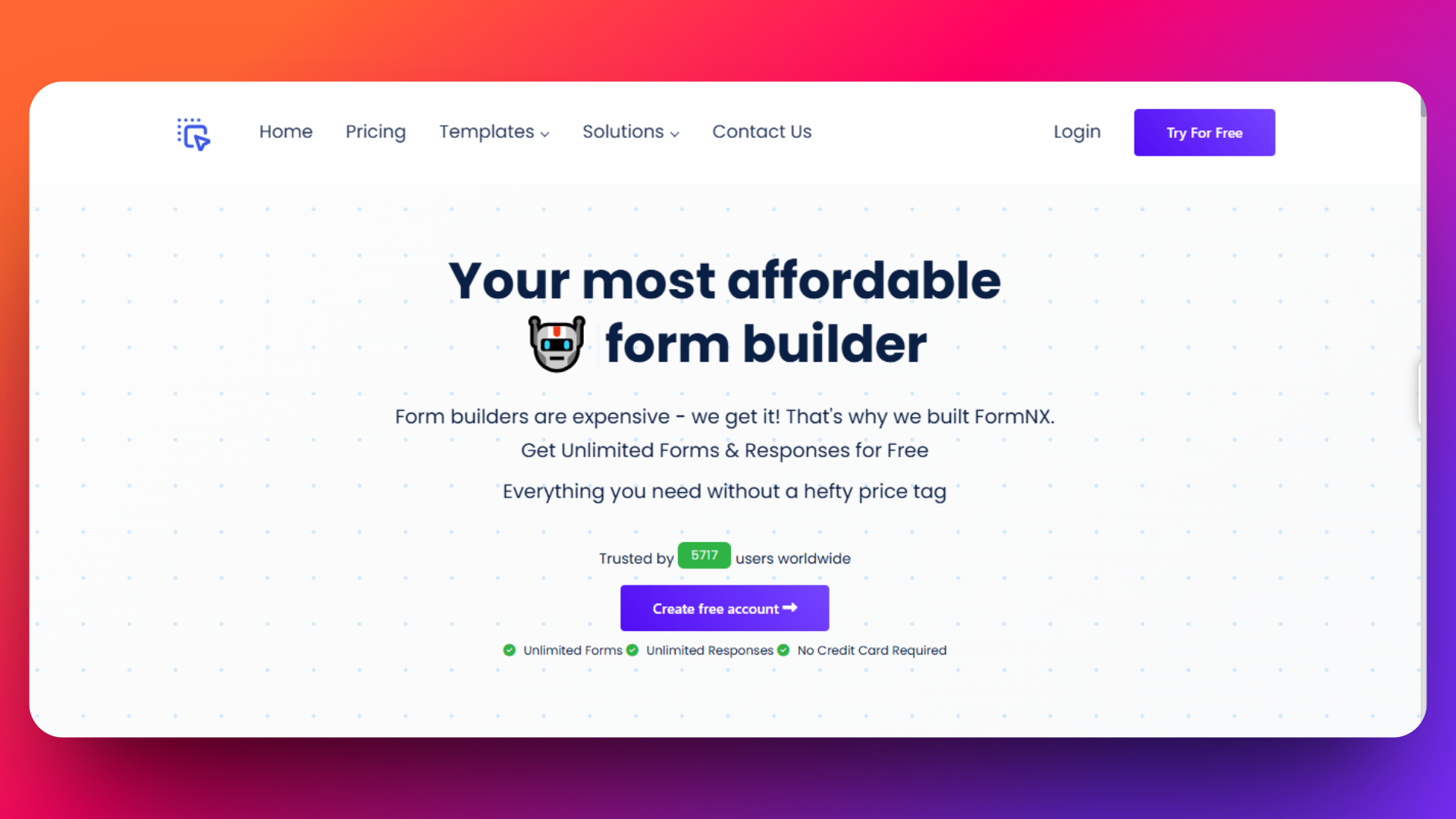
FormNX is an affordable, powerful no-code form builder designed for businesses that need unlimited form creation without the restrictions of Google Forms. It also ships an AI form generator — describe the form you need in a sentence ("patient intake form for a dental clinic with insurance fields") and FormNX scaffolds the fields, validation, and layout in seconds, something Google Forms doesn't offer natively. Whether you're creating contact forms, event registrations, payment collections, survey forms, quiz forms, consent forms, HR forms, Marketing forms, application forms, RSVP forms, Registration forms, or complex multi-step surveys, FormNX delivers professional results in minutes.
Key Features
- Unlimited forms and submissions - No monthly caps or hidden restrictions
- Unlimited form fields - Build complex forms without field limitations
- 1000+ Professional Templates - FormNX offers the largest template library compared to Google Forms' limited 17 templates. Choose from professionally designed templates for:
Advanced Form Features
- Advanced conditional logic - Show/hide multiple questions per page (vs Google Forms' basic one-question-per-page logic)
- Form-to-PDF builder - Automatically generate branded PDF reports from submissions
- E-signature form builder - Built-in digital signature functionality
- Payment integration - Native Stripe and PayPal on the same form with payment so customers pick at checkout - no Payable Forms-style add-on required
- Multi-step forms - Split long forms into pages with progress bar and per-step validation to boost completion rates
- Duplicate submission prevention - Advanced validation to prevent multiple submissions
- Email Verification (OTP) - Verify email addresses with a 6-digit code before submission to prevent spam and ensure data accuracy (Pro plan)
- Block Disposable Emails - Automatically reject submissions from temporary/throwaway email providers (Mailinator, 10MinuteMail, Guerrilla Mail, etc.) to keep your lead list clean (Pro plan)
- Take photo feature - Live camera capture within forms
- Password protection - Secure forms with password access
- GDPR compliance - Built-in privacy protection features
Superior Customization Options
- Complete design control - Custom colors, fonts, backgrounds, and layouts
- Brand matching - Upload logos and maintain brand consistency
- Mobile-optimized designs - All forms are automatically mobile-responsive
Pricing
FormNX's pricing strategy makes professional form building accessible to everyone:
- FormNX provides Starter plan i.e. absolutely free and this plan includes unlimited forms, unmlimited submissions, unlimited fields per form, and also access to all 1000+ templates.
- FormNX provides different paid plans like Pro Plan 1, Pro Plan 2, Pro Plan 3, etc. according to the workspaces, storage limit, and PDF credits.
- FormNX provides special plan for agencies looking to create and manage a lot of customer forms
Check out the pricing page for the information about latest paid plans - https://formnx.com/price
30-Day Money-Back Guarantee
Pros:
- Exceptional value - More features than competitors at lower cost
- No submission limits - Unlike Google Forms' enterprise restrictions
- Outstanding customer support - Responsive, helpful team
- Extensive integrations - Webhook, Stripe, Mailchimp, and more
- Advanced features included - E-signatures, payments, PDF generation in free plan
Cons:
- Newer brand - Less market recognition than Google Forms or Typeform
- Learning curve - More features mean slightly steeper learning curve than basic Google Forms
Real User Reviews and Testimonials
G2 Rating: 4.4/5 stars - "I like how easy it easy to gather information with with the surveys, I created. In my case usually gather information about my clients to best serve them. FormNX made it a walk in the part for me. I also appreciate how FormNX is constantly enhancing the user experience and interface. The best part is that if I need assistance with new features, support is always available to address my needs."
Trustpilot Rating: 4.4/5 stars - "I've been using formnx.com for over a year now, and I am consistently impressed with their service. With 30 to 50 form entries daily, I'm certainly not a small user, and the platform handles the volume effortlessly. The scope of features they offer is truly comprehensive, covering everything I need and more. It's clear that a lot of thought has gone into providing a robust and versatile platform that caters to a wide range of needs, from casual users to those with significant daily demands."
FiveTaco: 4.7/5 stars - "I've been using FormNX for over a month now and it's worth every penny! I have migrated almost all the forms on my websites to FormNX because the integration helps me automate many tasks, the simple way of creating forms has helped me create forms easier and faster! Highly recommended!"
YouTube Video Resources FormNX Complete Demo | Build Forms Without Coding - Comprehensive walkthrough of FormNX features
2. Typeform
Typeform revolutionized form building by introducing conversational, one-question-at-a-time forms that feel more like friendly conversations than traditional surveys. While visually stunning and highly engaging, Typeform comes with premium pricing that may challenge budget-conscious businesses.
👉 Considering Typeform but not sold on the price? Compare on the Typeform alternative page.
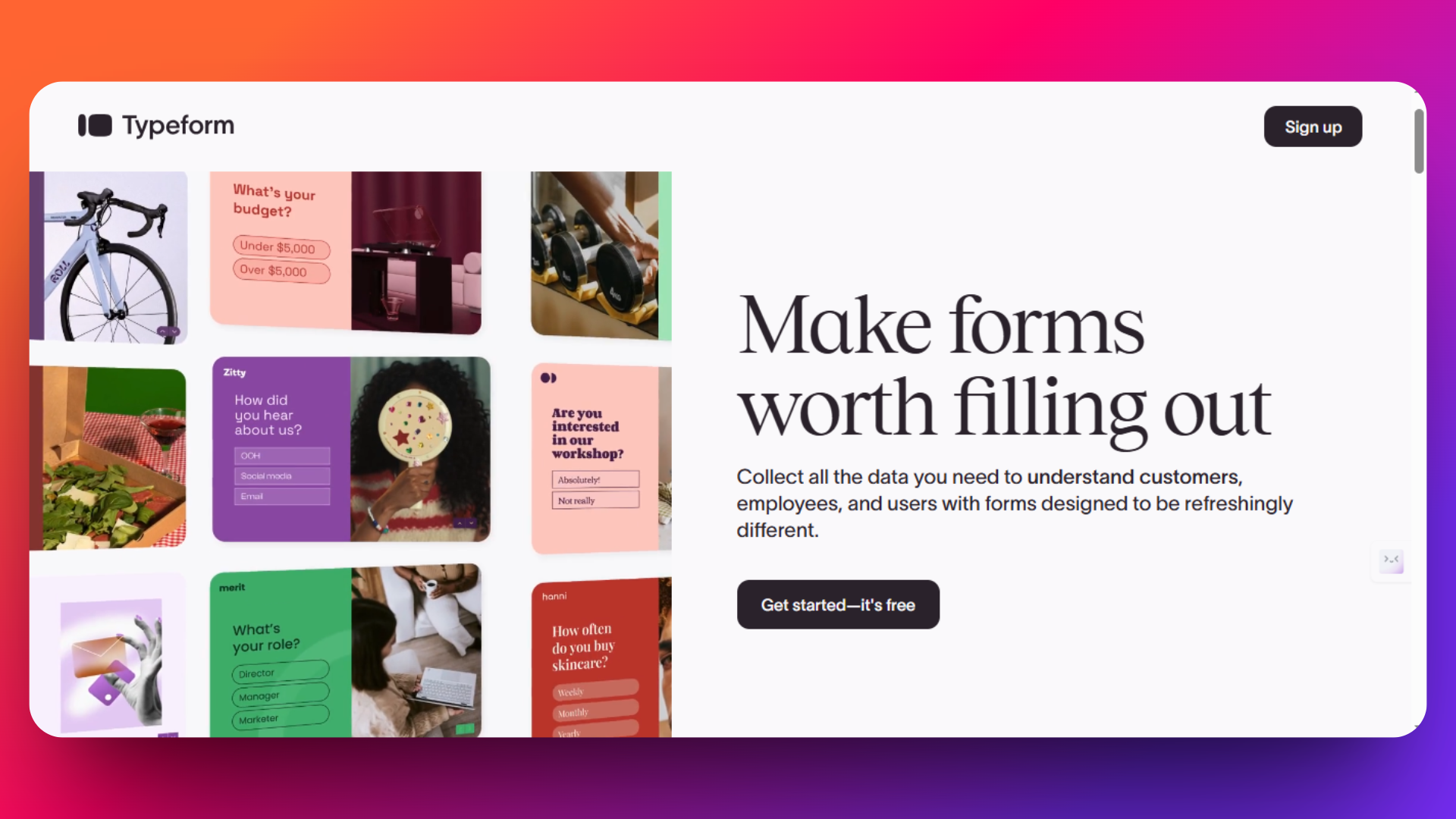
Typeform is a design-focused form builder that prioritizes user experience through its signature conversational interface. By displaying one question per screen, Typeform creates engaging, interactive forms that achieve higher completion rates than traditional multi-question layouts.
Key Features
- One question at a time - Reduces cognitive load and increases completion rates by 14-20%
- Interactive design - Forms feel like conversations rather than interrogations
- Progressive disclosure - Keeps users focused without overwhelming them
Advanced Design Capabilities
- Custom branding - Full control over colors, fonts, logos, and themes
- Media integration - Built-in access to Unsplash photos, Pexels videos, and Noun Project icons
- Welcome screens and thank-you pages - Customizable entry and exit experiences
- Mobile-first design - All forms are automatically optimized for mobile devices
- Advanced conditional logic - Multi-branch logic flows based on responses
- Calculator functionality - Create quote forms and price estimators
- Drop-off analysis - See exactly where respondents abandon your form
- Real-time insights - Monitor responses as they come in
- Campaign tracking - UTM parameter support for marketing attribution
Pricing Structure
- Free plan exists but is capped at just 10 responses/month total across all your forms, with Typeform branding.
- Paid plans start at $39/month ($28/month billed annually).
- Additional costs for advanced modules (like eSign - gated to ~$266+/mo Growth plans - Suite, Enterprise).
- While Typeform offers a well-designed experience, higher-tier plans are necessary to unlock many advanced features (branding removal and Stripe payments start on the Plus tier) and more responses.
Please check out this pricing page for detailed information about latest pricing - https://www.typeform.com/pricing
Pros:
- Exceptional user experience - Industry-leading form completion rates
- Beautiful design - Professional appearance with minimal effort
- 120+ integrations - Connects with major CRMs, email tools, and analytics platforms
- Advanced features - Logic, calculations, and personalization capabilities
- Mobile optimization - Superior mobile experience compared to traditional forms
Cons:
- Expensive pricing - Significantly more costly than alternatives like FormNX
- Limited free plan - Only 10 responses per month severely restricts usage
- Response limits - Even paid plans cap monthly responses
- Learning curve - More complex than simple form builders
- No offline capability - Requires internet connection for form completion
Real User Reviews
G2 Rating: 4.5/5 stars - "Easily the thing I like best about TypeForm is the aesthetic appearance. Even though it's just a wrapper for questions, for an intake form, it looks extremely professional. I like that it's customizable for our company's information and it's very user-friendly and easy to use."
Capterra Rating: 4.7/5 stars - "Typeform gives lots of flexibility to create forms and we can integrate with another software easily.One of the best survey tool .it's helps to organize and improve our business."
When Typeform Makes Sense
Choose Typeform if:
- Design and user experience are critical to your brand
- You have budget for premium features and can justify the ROI
- Completion rates matter more than cost for your use case
- You need advanced conditional logic and personalization
- Integration with marketing tools is essential
Skip Typeform if:
- Budget is a primary concern.
- You need unlimited responses.
- Simple forms are sufficient.
3. JotForm
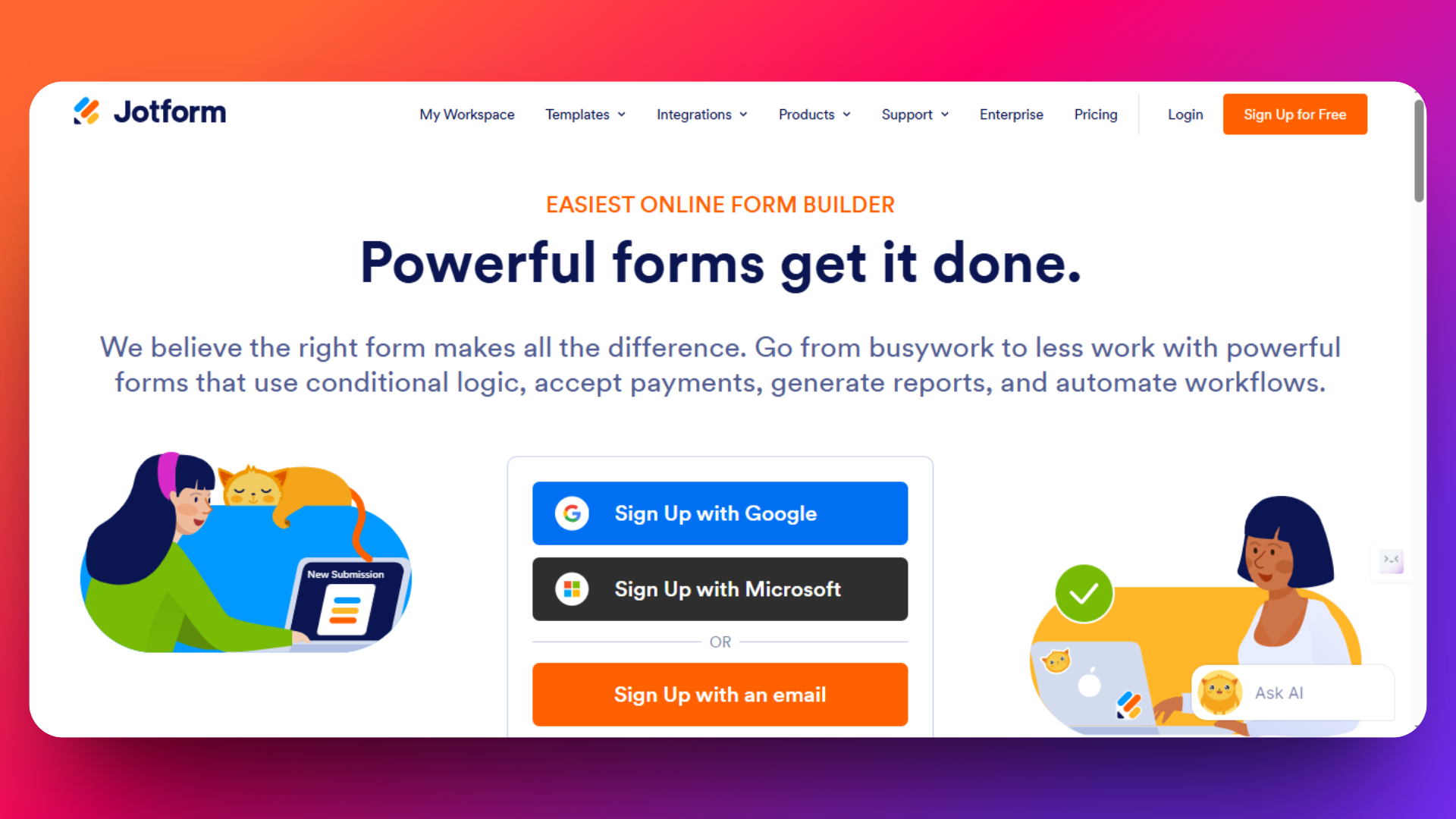
JotForm positions itself as the professional alternative to Google Forms, offering extensive customization options, payment processing, and business-grade features. With over 10,000 templates and advanced conditional logic, JotForm serves businesses that need more than basic form functionality.
👉 Weighing JotForm? See how it stacks up on our JotForm alternative page — same advanced features, no submission caps.
JotForm is a comprehensive form builder designed for businesses that require advanced features like payment collection, HIPAA compliance, and sophisticated workflows. While more expensive than Google Forms or FormNX, JotForm delivers enterprise-grade capabilities for organizations with complex form requirements.
Key Features
- 10,000+ professional templates - Industry-specific designs for every use case
- Template categories - Sorted by profession, industry, and language
- Fully customizable - Every template can be modified to match brand requirements
- Drag-and-drop builder - Visual form creation with extensive customization
- Custom CSS/HTML/JavaScript - Complete control over form appearance and behavior
- Advanced conditional logic - Show/hide fields, calculate values, personalize thank-you pages
- Multi-page forms - Create complex, step-by-step form experiences
- Direct payment processing - Built-in integrations with PayPal, Stripe, Square, Authorize.Net
- Recurring payments - Support for subscriptions and recurring billing
- HIPAA compliance - Secure forms for healthcare and sensitive data
- E-signature capture - Built-in digital signature functionality
- Workflow automation - Approval processes and team collaboration
- Form analytics - Built-in reporting and data visualization
Pricing
JotForm's pricing reflects its business focus:
- Free Plan: 5 forms, 100 submissions/month, JotForm branding
- Bronze Plan: 25 forms, 1,000 submissions, remove branding
- Silver Plan: 50 forms, 2,500 submissions, payment processing
- Gold Plan: 100 forms, 10,000 submissions, advanced features
- Enterprise: Custom pricing for large organizations
Please check out this pricing page for detailed information about latest pricing - https://www.jotform.com/pricing
Pros:
- Comprehensive business functionality in one platform
- Professional templates
- Payment processing - Native integration with major payment providers
- HIPAA compliance - Suitable for healthcare and regulated industries
- Advanced logic - Sophisticated conditional workflows
- 200+ integrations - Connects with major CRMs, email platforms, and business tools
Cons:
- Expensive pricing - Significantly more costly than FormNX or Google Forms
- Overwhelming for beginners - Feature complexity can intimidate new users
- Limited free plan - Only 5 forms and 100 submissions restrict trial usage
- Support issues - Users report inconsistent support quality on lower-tier plans
- Integration reliability - Some users experience problems with third-party connections
User Reviews
G2 Rating: 4.7/5 stars - "I use JotForm every day, and it works brilliantly for our company. Our engineers find it incredibly easy to use, and with the new AI features, creating forms has become even simpler-it saves us so much time"
Capterra Rating: 4.7/5 stars - "Jotform made form creation and data collection effortless for my business. It's fast, simple, and reliable for daily tasks."
When JotForm Makes Sense vs. Alternatives
Choose JotForm if:
- You need HIPAA compliance for healthcare or sensitive data collection
- Payment processing is essential and you want native integration
- Advanced conditional logic is required for complex forms
- Professional branding and extensive customization matter
- Budget allows for premium features ($39-99+/month is acceptable)
4. SurveyMonkey
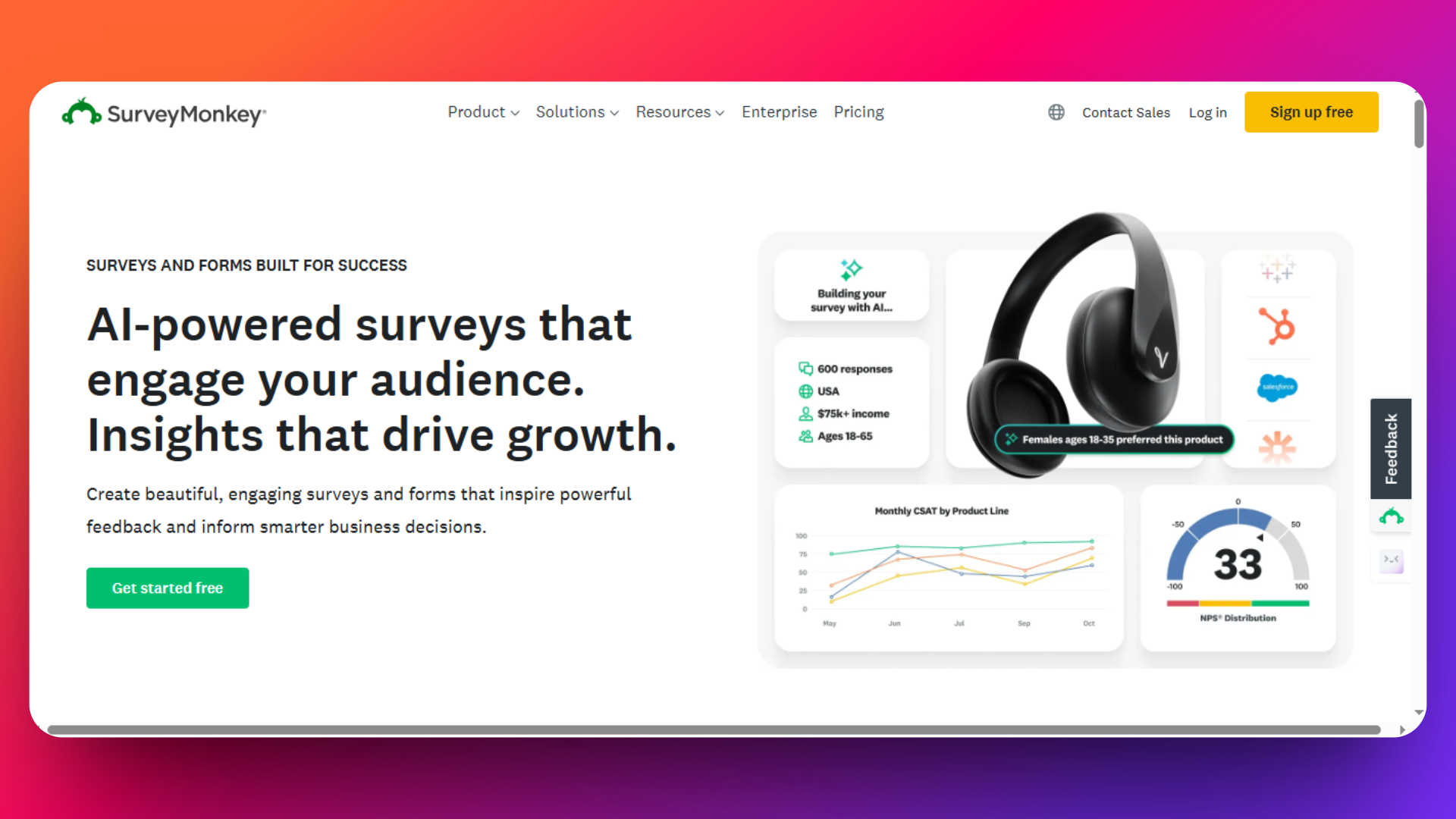
SurveyMonkey specializes in survey creation and market research, positioning itself as the go-to platform for organizations that prioritize data analysis and insights over general form building. While excellent for surveys, its focus and pricing make it less suitable for everyday business forms.
SurveyMonkey is a specialized survey platform designed for market research, customer feedback, and data analytics. Unlike general form builders, SurveyMonkey prioritizes advanced survey methodologies, statistical analysis, and professional reporting features that appeal to researchers and data-driven organizations.
Key Features
- Question bank with 200+ expert-written questions - Pre-validated questions for reliable research
- Survey logic and skip patterns - Advanced branching based on response patterns
- Randomization and A/B testing - Built-in experimental design capabilities
- Survey templates by industry - Research-grade templates for specific use cases
- Real-time analytics dashboard - Live response monitoring and insights
- Advanced filtering and cross-tabulation - Statistical analysis tools
- Export to SPSS, Excel, PowerPoint - Professional reporting formats
- API access - Developer tools for custom integrations
- GDPR and CCPA compliance - Data privacy and security features
Pricing
Check out the pricing page for detailed information about pricing - https://www.surveymonkey.com/pricing/
Pros:
- Industry-leading survey expertise - 25+ years of survey research experience
- Advanced analytics and reporting - Professional-grade data analysis tools
- Benchmarking capabilities - Compare results against industry data
- Methodology expertise - Built-in survey best practices and guidance
- Enterprise security - SOC 2 compliance and data encryption
- Global reach - Supports 50+ languages and international data collection
Cons:
- Survey-only focus - Not suitable for general business forms (registrations, payments)
- Expensive for basic needs - High cost compared to general form builders
- Limited customization - Design options restricted compared to Typeform or FormNX
- No payment processing - Cannot collect payments directly through forms
- Response limits - Even paid plans cap monthly responses
- Learning curve - Complex interface may overwhelm casual users
User Reviews
"Easy to use, very intuitive. A bit pricey at the lowest level. Also would be nice to have a good option for finish confirmation without cost." - Trustpilot
"SurveyMonkey is user friendly, has an intuitive design, and is easy for anyone-regardless of technical skill-to create and distribute surveys quickly. I love that I can email surveys, link share, or send out communications within our SaaS integrations." - G2
When SurveyMonkey Makes Sense vs. Alternatives
Choose SurveyMonkey if:
- Professional market research is your primary use case
- Advanced analytics and benchmarking are essential for your work
- Survey methodology expertise matters more than cost considerations
- You need statistical analysis tools built into the platform
- Industry compliance and enterprise security are requirements
Skip SurveyMonkey if:
- General business forms (registration, contact, payment) are your focus
- Cost efficiency is important
- Payment processing and e-signatures are needed for your forms
- Multi-purpose form building beyond surveys is required
👉 Need survey functionality without SurveyMonkey's pricing? FormNX's online survey builder covers NPS, CSAT, multi-page surveys, skip logic, and unlimited responses on the free plan.
5. Microsoft Forms
If you've ever wondered "is there something like Google Forms but for Microsoft?" - this is it. Microsoft Forms is Microsoft's direct equivalent of Google Forms: a lightweight form builder ideal for organizations already using Office 365, providing simple survey, quiz, and feedback collection with real-time results and seamless Microsoft ecosystem integration.
Microsoft Forms enables users to create forms, quizzes, polls, and basic surveys right within their Microsoft 365 environment. Its clean interface, cloud-based access, and tight integration with Excel and other Microsoft apps make it popular for internal use by schools, enterprises, and small businesses already on Office 365.
Key Features
- Real-time results - Responses are automatically visualized with live charts and downloadable summaries.
- Integration with Excel - Send form data into Excel for advanced analysis or record-keeping.
- Branching and logic - Use basic conditional questions to personalize the user experience.
- Share via link, QR code, or embed - Multiple ways to distribute forms internally or externally.
- Collaborative editing - Let team members edit forms together within Microsoft 365.
- Data controls - Responses stored securely in Microsoft cloud, with enterprise-grade compliance options.
- Branding support - Add images, logos, and custom backgrounds, though with limited design flexibility compared to other alternatives.
Pricing
Included with Microsoft 365 subscriptions - No extra cost for personal/business users already on Microsoft plans (starting $6/user/month for Business Basic).
No standalone free plan outside Microsoft ecosystem.
Check out the Microsoft's pricing page for information about pricing - https://www.microsoft.com/en-us/microsoft-365/business/microsoft-365-plans-and-pricing
Pros
- Fast and easy setup - Perfect for quick surveys, internal polls, feedback forms, and quizzes.
- Collaboration - Multi-user editing and form sharing within Microsoft environment.
- Secure and compliant - Enterprise-level data controls for privacy and governance.
- No extra cost for existing Microsoft 365 users.
Cons
- Limited advanced features - Lacks payment integrations, advanced logic, third-party integrations, and hundreds of templates found in other tools.
- Not suitable for complex forms - Best for simple surveys, quizzes, and feedback, not for e-commerce or public registrations.
- Requires Microsoft 365 subscription - No free, standalone tier for non-Microsoft users.
User Reviews
"Microsoft Forms is very easy to use, even for someone without technical experience. I like that I can create surveys, quizzes, or polls quickly with a clean, simple interface. The drag-and-drop style is intuitive, and I don’t need any tutorials to figure things out." - G2 Review
When to Choose Microsoft Forms Microsoft Forms is ideal for organizations embedded in the Microsoft ecosystem needing quick, reliable surveys and basic forms with strong data controls. It’s not designed for complex business cases or external forms-for those, alternatives that are more practical.
Looking for a Microsoft Forms alternative instead? The same logic applies in reverse: Microsoft Forms shares most of Google Forms' limitations (no payments, no e-signatures, basic logic, limited design control), so every other tool on this list doubles as a Microsoft Forms alternative. FormNX, JotForm, and Cognito Forms are the strongest picks if you're leaving Microsoft Forms for missing business features rather than cost.
6. Cognito Forms
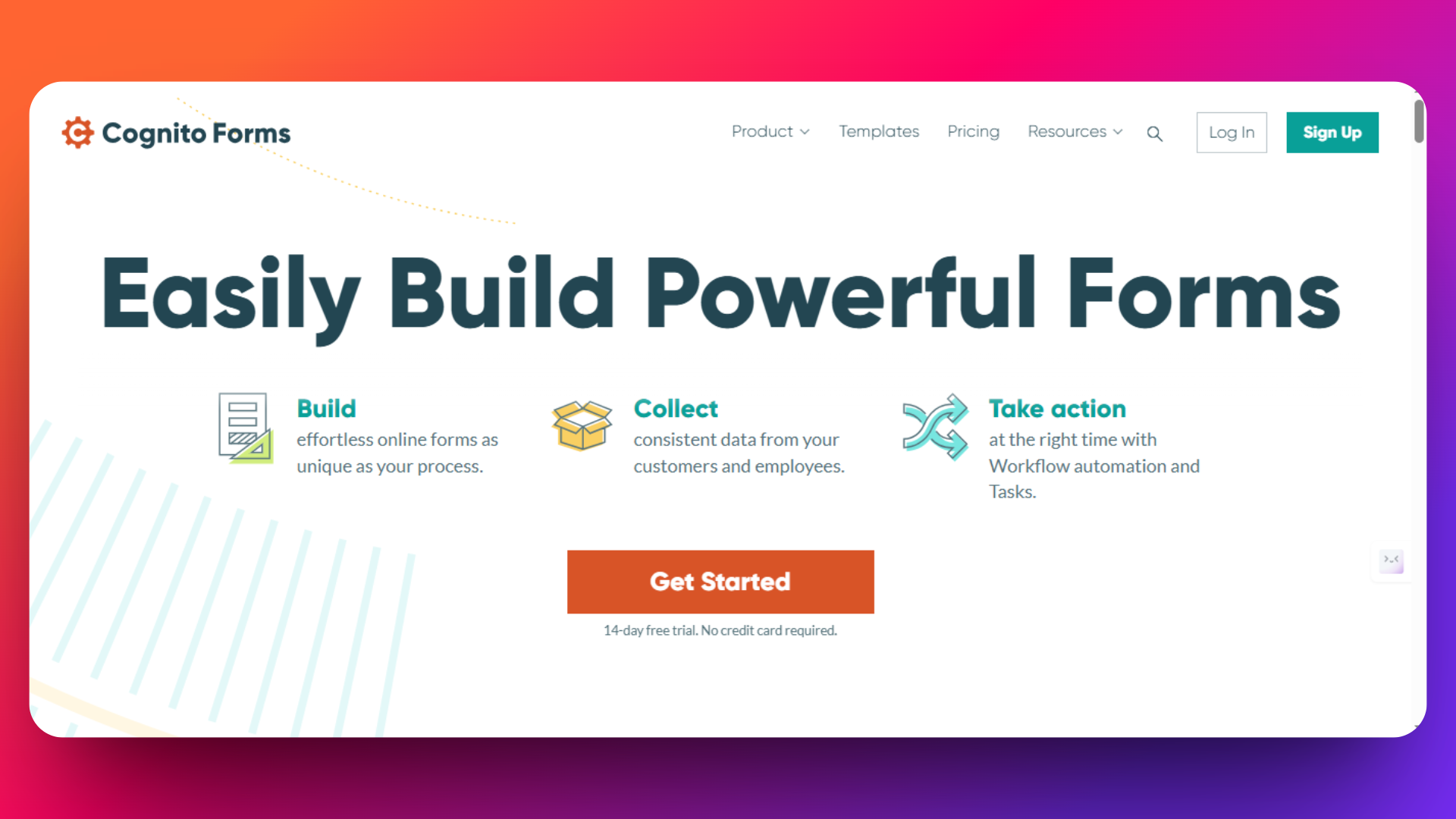
Cognito Forms is known for its powerful calculations, workflow automation, and data management capabilities-making it a favorite among businesses that need advanced logic, multi-step forms, and robust integrations without a steep learning curve.
Cognito Forms provides a no-code interface focused on business process automation and data accuracy. Unlike many basic form builders, Cognito supports advanced calculations, repeating sections, workflow management, and encrypted data handling, while still being accessible to non-technical teams.
Key Features
- Field calculations and equations - Build calculators, quotes, order forms, and surveys that process user inputs live.
- Conditional logic - Dynamically display or hide fields/sections based on user answers.
- Repeating and nested sections - Easily collect tabular or grouped data within a single form.
- Multi-page forms - Create complex surveys, applications, or multi-stage forms for better user experience.
- Approval workflows - Route forms for review and approval, supporting business processes such as HR, finance, or customer claims.
- Teams & permissions - Delegate, approve, and track submissions across multiple users.
- Payment collection - Native Stripe, PayPal, and Square integrations for one-time or recurring payments.
- Zapier, Microsoft Power Automate - Connect to 5,000+ SaaS apps for CRM, email, and automation.
- HIPAA compliance - Available for healthcare and sensitive data scenarios.
Pricing
- Free Plan: 1 user, unlimited forms, 500 entries/month, basic features.
- Enterprise & Compliance Plans: Custom pricing for higher security and HIPAA compliance.
Check out the Cognito form's pricing page for information about latest pricing - https://www.cognitoforms.com/pricing
Pros
- Advanced calculation engine - Outperforms many competitors for math and logic functionality.
- Workflows and approvals - Built-in, no need for custom scripts or external tools.
- Data security & HIPAA options - Popular for healthcare, finance, and HR use cases.
Cons
- UI less modern vs. Typeform/FormNX - Focus is on function over flash.
- Storage and entry limits per plan - High-volume businesses may need to upgrade.
- Learning curve for advanced features - Simpler use cases may feel overwhelmed.
User Reviews
G2 Rating: 4.5/5 stars - “Easy to create a responsive form using conditional logic, answer piping, and automation with stripe/zapier. Easy to share templates between accounts. Easy to embed forms into a website.”
Trustpilot Rating: 4.1/5 stars - “This was the first time using the software. I would of like a chance to call directly to support. The response time for emailing was lagging. Not that it was bad, i just would of preferred over the phone support. I did get a new account up and they are using it.”
When to Choose Cognito Forms
Best for businesses needing embedded calculations, dynamic forms, payment collection, and workflow routing.
Cognito Forms vs Google Forms in one line: Google Forms wins on simplicity and price (free), while Cognito Forms adds the calculations, repeating sections, approval workflows, and payment collection that Google Forms simply doesn't have - at the cost of a dated interface and per-plan entry limits.
If you require complex field logic, real-time price calculators, or HIPAA compliance, Cognito Forms is purpose-built for these cases.
7. Wufoo - The Quick-Start Classic with Versatile Templates
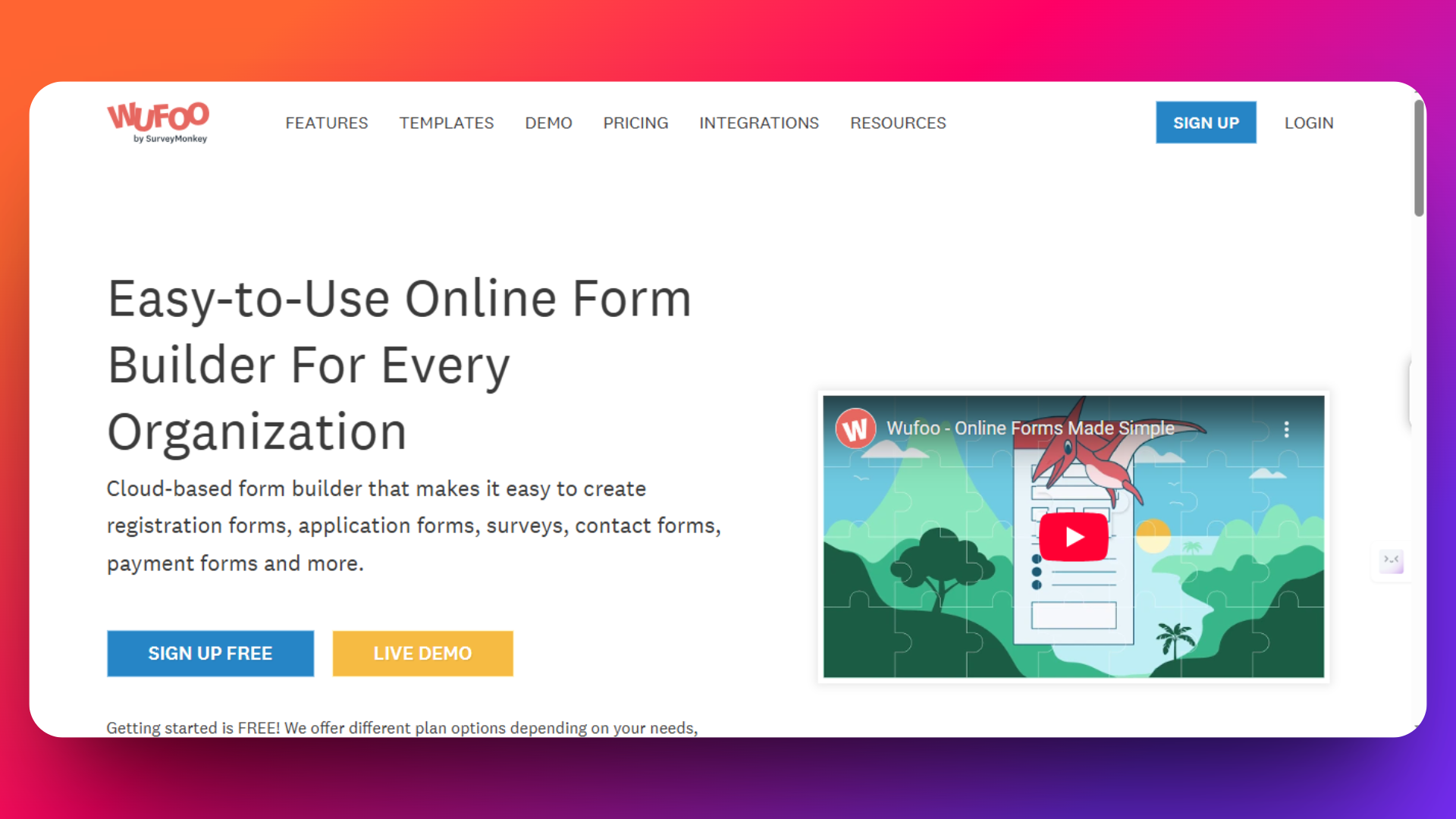
Wufoo is among the most established online form builders, known for its rich template library, ease of use, and rapid setup. It’s especially popular with small businesses and teams that need to get forms online quickly and value simple analytics and integrations.
Wufoo streamlines the process of creating online forms for contact, registration, payments, and feedback. Its friendly drag-and-drop interface, hundreds of customizable templates, and visual reporting dashboards have made it a staple for thousands of SMBs and nonprofit organizations.
Key Features
- 400+ templates - Ready-to-use designs for surveys, orders, registrations, and more.
- Custom branding - Add logos, colors, and backgrounds easily.
- Native payment processing - Built-in support for Stripe, PayPal, and Authorize.Net for payment forms.
- Third-party integration - Connect to CRM, email marketing, and cloud storage via Zapier.
- Visual Reports - Simple analytics dashboards to monitor form performance and data trends.
- SSL encryption - Protects form data in transit.
Pricing
Check out the pricing page for information about latest prices - https://www.wufoo.com/pricing/
Monthly billing available at higher rates with no long-term contracts
Pros
- Extremely easy to use - Minimal learning curve, excellent for beginners.
- Wide variety of templates - Ideal for common small business use cases.
- Fast setup - Launch a functional form in minutes.
- Payment processing built-in - E-commerce ready.
Cons
- Limited free plan - Capped forms and entries, branding on free tier.
- Less advanced logic - Lacks deep conditional logic and workflow features found in Cognito Forms or FormNX.
- Older UI - Design less modern compared to newer platforms.
- Higher price at scale - Can become expensive for teams with large form or volume needs.
User Reviews
"We use it for our donation portal and we have integrated it to stripe and our donors have found the platform super easy to use." - Source: GetApp
When to Choose Wufoo
Choose Wufoo if you need to launch basic forms fast with minimal fuss and like having a broad template selection at your fingertips.
It’s a good fit for simple payment forms, RSVP forms, and contact forms.
For deeper logic, automation, or unlimited forms, platforms like FormNX or Cognito Forms offer more power for a similar or lower price.
8. Qualtrics - The Enterprise Leader for Complex Research & Experience Management
Qualtrics is the gold standard for enterprise-grade survey and experience management, favored by large organizations, research institutions, and businesses demanding advanced analytics, security, and global reach.
Qualtrics goes far beyond basic data collection-it's a comprehensive platform for customer, employee, product, and brand experience management. Offering unmatched flexibility, complex routing logic, and powerful data visualization, Qualtrics is built for those conducting large-scale research or needing company-wide feedback at scale.
Key Features
- Extensive logic and branching - Build elaborate surveys with multiple paths, quotas, triggers, and conditions.
- Real-time dashboards - Visualize responses instantly with advanced analytics, segmentation, and reporting tools.
- Multi-channel distribution - Collect data via web, email, SMS, mobile apps, social media, or offline app.
- Embedded data and API access - Integrate deeply with CRM, HR, or analytics stacks.
- Complete XM solutions - Pre-built programs for customer, employee, brand, and product feedback.
- Actionable insights - Automated recommendations and follow-up actions based on collected data.
- Enterprise compliance - SOC2, GDPR, HIPAA, FedRAMP, and ISO certifications.
- Data localization - Deploy surveys globally with multi-language and localized hosting options.
- Role-based controls - Advanced user permissions for large organizations.
Pricing
Custom, enterprise-tier pricing - Typically starts in the several hundreds/month, tailored for organization size and features required. Demos and quotes available on request.
Check out the Qualtrics pricing page for information about latest pricing - https://www.qualtrics.com/pricing
Pros
- Unmatched survey power - Handles research, compliance, experience management, and analytics at any scale.
- Enterprise-ready - Exceptional security, integrations, and global support.
- Actionable insights - Automated workflows and reporting drive decision making across teams.
Cons
- High cost - Much more expensive than tools like FormNX, Wufoo, or SurveyMonkey.
- Steep learning curve - Designed for research professionals and analysts; not beginner-friendly.
- Complex setup - Overkill for basic contact forms or transactional data collection.
User Reviews
G2 Rating: 4.4/5 stars - “Our company use Qualtrics for custom surveys with powerful results. It has integrated tools for deep insights. The best part is that it is integrated with AI, so we can trust that it's insightful, intuitive, and scalable.”
TrustRadius Rating: 8.0/10 - “The company uses Qualtrics XM for People Teams to administer our employee surveys. I use Qualtrics XM for People Teams to administer surveys after employees complete training to help us measure training satisfaction.”
When to Choose Qualtrics
Best fit for large organizations, universities, or government agencies with complex research, compliance, or experience management needs.
Chosen by those needing automated insights, custom analytics, and secure, scalable platform.
Conclusion
After exploring the top 8 alternatives to Google Forms, it’s clear that FormNX offers a unique blend of affordability, advanced features, and ease of use that makes it a standout choice for businesses of all sizes.
Why FormNX is the Best Alternative
- Unlimited forms and submissions with no hidden caps, unlike many competitors.
- 1000+ professionally designed templates covering diverse industries and use cases.
- Advanced features such as conditional logic, duplicate submission checks, custom PDF generation, e-signatures, and payment integration via Stripe.
- Strong customization options that allow matching your brand with colors, fonts, layouts, and personalized thank-you pages.
- Built-in GDPR compliance and password protection for secure data collection.
- Responsive and helpful customer support, with high user ratings on G2 and Trustpilot.
- Affordable pricing plans, including a generous free tier and cost-effective pro options.
Final Recommendation
If you seek a cost-effective, unlimited, and versatile form builder with professional features, FormNX should be your first choice.
For design-centric, conversational forms, consider Typeform if budget allows.
For complex workflows, payment integration, and HIPAA compliance, JotForm or Cognito Forms are excellent.
For enterprise-grade surveys and feedback management, Qualtrics is unrivaled but costly.
If minimalism and Microsoft ecosystem integration are priorities, Microsoft Forms suits internal users.
SurveyMonkey excels in research and data analytics but is costly for general use.
For quick setup with versatile templates, Wufoo provides an easy entry point.
Explore these options based on your unique business needs, budget, and desired features. To start experiencing the power of professional form building without compromise, try FormNX for free today.
Frequently Asked Questions
What is a better option than Google Forms?
It depends on what Google Forms is failing to do for you. For payments, e-signatures, and PDF generation at low cost, FormNX is the strongest all-around upgrade - it keeps Google Forms' simplicity but adds unlimited submissions and advanced features on a free-forever plan (see the full Google Forms alternative comparison). For conversational, design-first forms, Typeform. For HIPAA compliance and enterprise workflows, JotForm or Cognito Forms. For serious survey research, SurveyMonkey or Qualtrics.
Is there a Google Forms alternative that accepts payments?
Yes. FormNX, JotForm, Cognito Forms, and Wufoo all collect payments. FormNX supports both Stripe and PayPal on the same payment form with 0% platform fees on paid plans — something Google Forms can't do natively.
What is similar to Google Forms but more customizable?
Tools like FormNX, Typeform, and JotForm feel familiar but give you full branding control — custom colors, fonts, logos, domains, and thank-you pages — plus multi-step layouts and conditional logic that Google Forms only handles at a basic level.
Are there forms like Google Forms but with more features?
Yes — FormNX is the closest match. It keeps the familiar, easy-to-use feel of Google Forms but adds unlimited submissions, Stripe and PayPal payments, e-signatures, auto-generated PDFs, and multi-page conditional logic. If you want forms like Google Forms without the feature ceiling, that's where to start.
How can I make a form without using Google Forms?
Pick any form builder from this list, sign up free, and build in the browser - no Google account needed. The fastest route: open FormNX's form builder, choose one of 1,000+ templates or describe your form to the AI form generator (covered above), customize the fields, and share the link. Typeform, JotForm, Cognito Forms, and Wufoo follow the same pattern. None of them require anything from Google.
Is there a free alternative to Google Forms?
Yes, several. FormNX has the most generous free tier here - unlimited forms, unlimited submissions, and 1,000+ templates at no cost, the closest match to Google Forms' "free and unlimited" promise while adding more features. Cognito Forms offers 500 free entries/month, JotForm 100 submissions/month, and Typeform just 10 responses/month. Tally is another free-focused option worth a look for simple use cases. If you need truly unlimited free submissions, FormNX and Google Forms itself are the realistic choices.
Is there something like Google Forms but for Microsoft?
Yes - Microsoft Forms (tool #5 above) is Microsoft's equivalent of Google Forms, included with Microsoft 365 subscriptions. It covers the same ground: simple surveys, quizzes, and polls with results flowing into Excel instead of Google Sheets. It shares Google Forms' limitations too - no payments, no e-signatures, and basic design control.
What replaced Google Surveys?
Google shut down Google Surveys (its paid market-research product) in November 2022 - it's a different product from Google Forms, which is still alive. If you relied on Google Surveys for audience research, SurveyMonkey Audience and Qualtrics fill that gap. If you just need to run your own surveys, any tool on this list works - FormNX's survey builder (linked in the SurveyMonkey section above) offers unlimited free responses.
Is Jotform or Google Forms better?
For free, simple data collection, Google Forms. For business features - payments, HIPAA, advanced logic, branding - Jotform, if the $39-99+/month pricing works for you. We've compared them feature-by-feature in our Jotform vs Google Forms comparison (linked in Related Guides below), including a third option that splits the difference on price.
Is there an open-source alternative to Google Forms?
Yes - LimeSurvey is the best-known open-source survey tool, and self-hostable options like Formbricks exist for product feedback workflows. The trade-off is hosting, maintenance, and updates become your job. Most teams searching for open source actually want either data ownership or zero cost - GDPR-compliant hosted builders with strong free plans (like FormNX or Cognito Forms) usually solve both with less work.
What about Google Forms add-ons like Form Ranger - do these alternatives replace them?
Mostly, yes. Add-ons like Form Ranger exist to patch gaps in Google Forms (Form Ranger populates question choices from a Google Sheet). Modern form builders handle these natively: FormNX and Cognito Forms support dynamic fields, calculations, and prefilled data without bolting on third-party add-ons that can break when Google updates Forms. If your Google Forms setup depends on two or more add-ons, that's usually the sign you've outgrown the tool.