
What is JotForm?
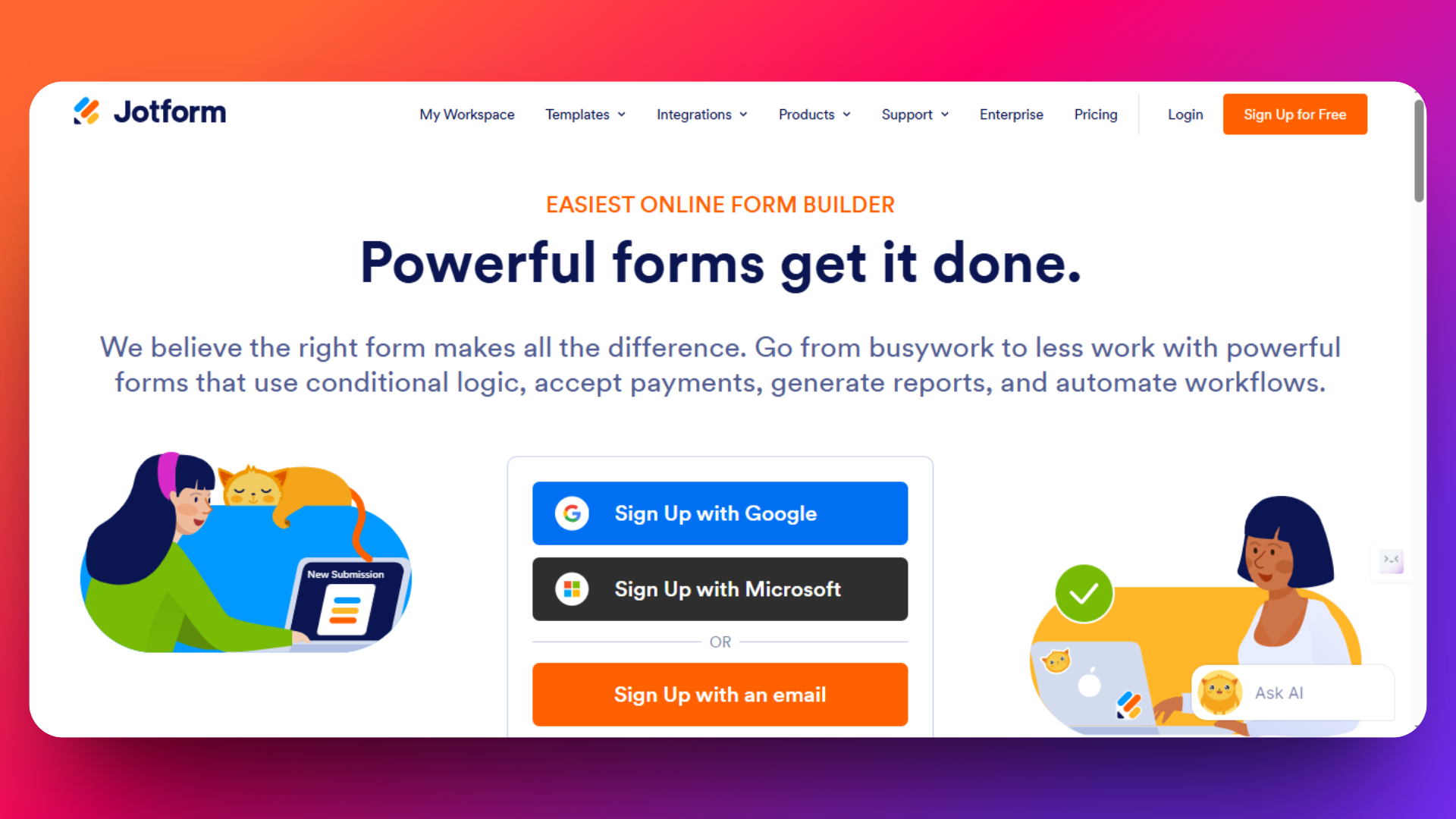
JotForm is one of the most established online form builders in the market, serving over 20 million users worldwide since its launch in 2006. The platform enables businesses, organizations, and individuals to create custom forms, surveys, and questionnaires without any coding knowledge through its drag-and-drop interface.
JotForm has built a solid reputation for reliability and ease of use, making it a go-to choice for small businesses, nonprofits, and enterprises looking to digitize their data collection processes.
Why Look for JotForm Alternatives?
Despite its popularity, JotForm's limitations have become increasingly apparent as user needs evolve and competition intensifies. Here are the primary reasons driving users to seek alternatives:
1. Restrictive Submission Limits JotForm's pricing tiers come with strict monthly submission caps. Even paid plans limit users to specific submission quotas, forcing growing businesses to upgrade frequently or risk losing valuable responses when limits are exceeded.
2. Rising Costs Many users report that JotForm's pricing has become prohibitively expensive, especially for small businesses and startups. The cost per submission can quickly escalate as form usage grows, making it unsustainable for high-volume applications.
3. Customer Support Concerns Users frequently cite inconsistent customer support experiences, with delayed responses and limited technical assistance hindering productivity when issues arise.
4. Performance and Speed Issues Some users experience slower loading times and performance bottlenecks, particularly with complex forms or high-traffic scenarios, impacting user experience and conversion rates.
Exploring modern alternatives that offer unlimited submissions, better pricing, superior features, and exceptional customer support. Most of the picks below are true no-code form builders — drag-and-drop interfaces with no scripts, no plugins, no developer required. The following eight JotForm alternatives have emerged as top contenders, each addressing specific pain points while often providing better value for your investment.
Tired of Jotform's submission limits and rising costs?
FormNX offers unlimited forms and submissions with advanced features like PDF generation, e-signatures, and Stripe payments - starting at $15/mo.
Quick Comparison: JotForm vs the Top 8 Alternatives
| Tool | Free plan | Submission limit | Payments | Best for |
|---|---|---|---|---|
| JotForm | Free tier | 100/mo (free) | Stripe, PayPal, Square | Templates & HIPAA |
| FormNX | Free forever | Unlimited | Stripe & PayPal (0% fee) | Best value, unlimited |
| Typeform | 14-day trial | Capped per plan | Stripe | Conversational forms |
| Google Forms | Free | Unlimited | ❌ | Simple free forms |
| Formstack | Free trial | Capped per plan | Via integrations | Enterprise workflows |
| SurveyMonkey | Limited | Capped per plan | ❌ | Surveys & analytics |
| Zoho Forms | Free tier | Capped per plan | Stripe, PayPal, Razorpay | Zoho ecosystem users |
| Wufoo | Limited | Capped per plan | Stripe, PayPal, Square | Simple quick forms |
| Microsoft Forms | With Microsoft 365 | — | ❌ | Microsoft 365 users |
1. FormNX - The Ultimate JotForm Alternative for Smart Businesses
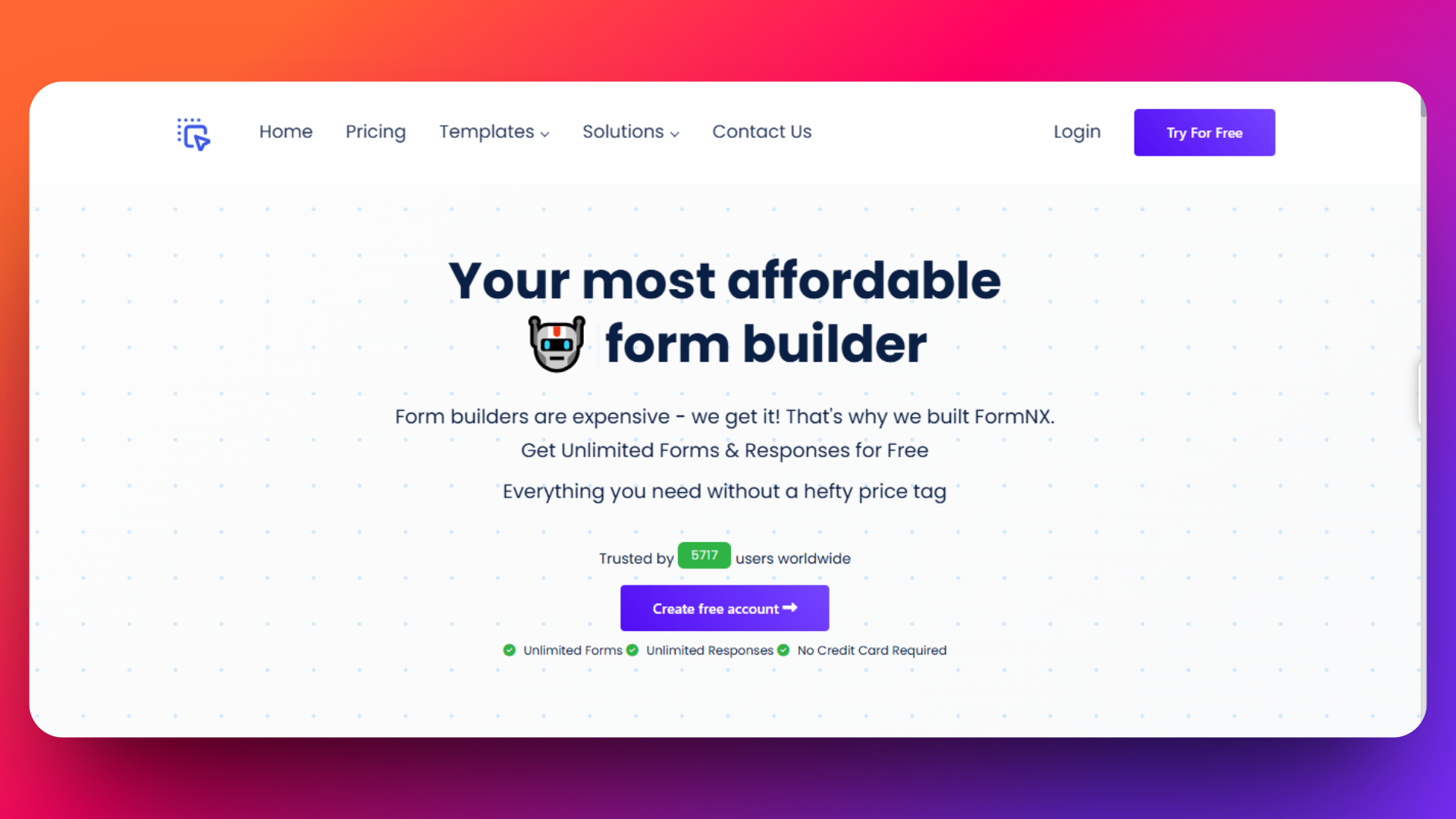
FormNX delivers unlimited forms and submissions completely free, making it the most cost-effective solution for businesses of any size.
👉 For a focused side-by-side comparison, see the dedicated FormNX vs JotForm landing page — covers pricing, submission caps, payments, and migration steps.
FormNX isn't just another form builder-it's a complete business solution designed to eliminate the pain points that drive users away from other form builders. With 5,410 active users creating over 408,000 submissions across 10,903 forms, FormNX has proven its reliability at scale.
Key Statistics:
4.4/5 stars on Trustpilot with 21+ verified reviews
Over 4 million visits and growing
Pricing
FormNX provides Starter plan i.e. absolutely free and this plan includes unlimited forms, unmlimited submissions, unlimited fields per form, and also access to all 1000+ templates.
FormNX provides paid plans like Pro Plan 1, Pro Plan 2, Pro Plan 3, etc.
FormNX provides special plan for agencies looking to create and manage a lot of customer forms
Check out the pricing page for the information about paid plans - https://formnx.com/price
30-Day Money-Back Guarantee
Features
FormNX provides:
- Unlimited forms and submissions
- Unlimited form fields
- Access to all 1000+ templates
- Advanced conditional logic
- Spam protection and GDPR compliance
- White label form builder on the Pro tier — no Enterprise contract required (unlike Jotform)
Workspace Collaboration Excellence - FormNX's workspace system outshines other builder's team features:
- Role-based access control (Admin, Member, Viewer)
- Centralized management for all forms and responses
- Real-time collaboration without per-user fees
- Client workspace invitations for agencies
Advanced PDF Builder & Document Generation- Generate professional documents automatically:
- Custom PDF templates with drag-and-drop builder
- Auto-email PDFs to respondents
- 1,000-20,000 PDF credits depending on plan
- Embed PDFs directly in forms
Superior Integration Ecosystem - Connect with your existing tools seamlessly:
- Stripe and PayPal payments via the FormNX form with payment — 0% platform fees on paid plans (vs Jotform's 3%)
- Google Sheets, Mailchimp, Slack integrations
- Webhook support for custom workflows
Real User Testimonials
"The best feature of FormNX is its extensive library of free templates and the intuitive drag-and-drop interface. This allows for quick customization and form creation without needing any coding knowledge. Additionally, the seamless integrations with platforms like Stripe and Google Places enhance its functionality, making it easy to collect payments and enrich data." - G2
"I've been using formnx.com for over a year now, and I am consistently impressed with their service. With 30 to 50 form entries daily, I'm certainly not a small user, and the platform handles the volume effortlessly. The scope of features they offer is truly comprehensive, covering everything I need and more. It's clear that a lot of thought has gone into providing a robust and versatile platform that caters to a wide range of needs, from casual users to those with significant daily demands." - Trustpilot
Advanced Features
Smart Form Logic & Automation
- Advanced conditional logic to show/hide multiple fields per page
- Dynamic calculations for pricing forms and calculators
- Auto-reference numbers for tracking submissions
- Form scheduling with start/end dates
Security & Compliance
- GDPR compliance built-in
- Password protection for sensitive forms
- Duplicate submission prevention
- Email Verification (OTP) - verify emails with a 6-digit code before submission
- Block Disposable Emails - reject Mailinator, 10MinuteMail, and other throwaway providers automatically with a one-click toggle (JotForm doesn't ship a preset list — to block disposables there you have to wire up a third-party integration, widget, or conditional logic per domain)
- Spam protection with reCAPTCHA
Professional Design Options
- 1000+ professionally designed templates
- Complete brand customization (colors, fonts, logos)
- Custom CSS/JavaScript support
- Mobile-responsive design automatically
Why Agencies Choose FormNX
FormNX's agency-focused pricing is revolutionary:
- One subscription = unlimited client workspaces
- Invite clients to manage their own forms
- White-label solutions with branding removal
- Set your own pricing while paying one flat fee
Who Should Choose FormNX
Perfect for:
- Small businesses needing unlimited submissions without breaking the bank
- Agencies managing multiple client forms
- Teams requiring advanced collaboration features
- Organizations needing GDPR compliance and security
Use Cases:
- Lead generation forms with payment processing
- Customer feedback surveys with PDF reports
- Event registration with automated confirmations
- Job applications with document generation
- Multi-step forms with complex logic
FormNX offers a 30-day money-back guarantee on all paid plans, making it risk-free to switch from JotForm. The free forever plan includes everything most businesses need, while paid plans start at just $12/month annually.
2. Typeform
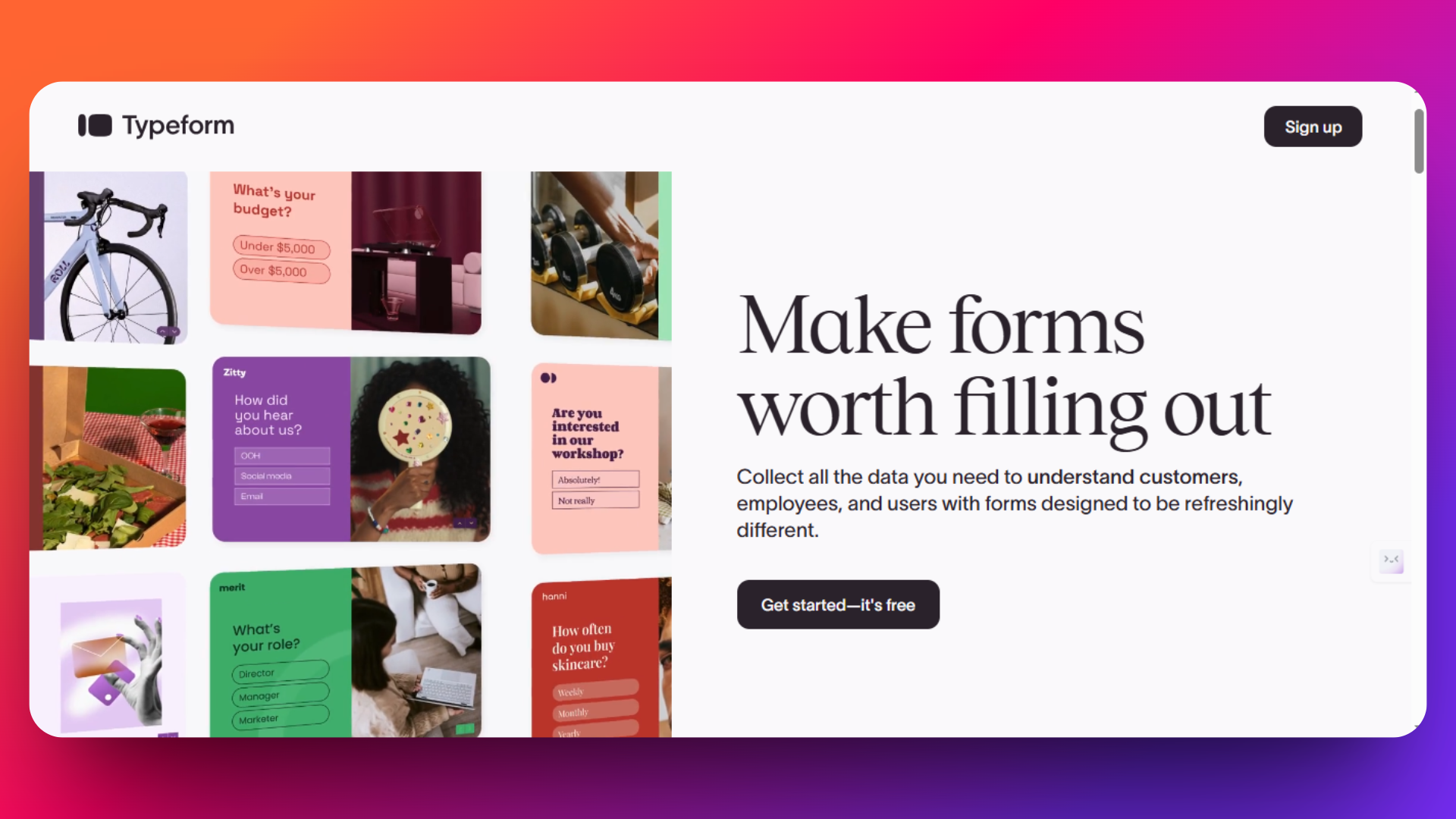
Typeform is widely recognized for its interactive, one-question-at-a-time user interface that transforms traditional forms into an engaging conversation. Ideal for businesses seeking to improve completion rates with a visually appealing and personalized experience, Typeform stands out for its clean design and smooth user flow.
👉 If Typeform's pricing is a sticking point, see our Typeform alternative page for a value-for-money comparison.
Key Features
- One question per page format, enhancing user focus and reducing fatigue
- Customizable design themes and rich media support (including images and videos)
- Advanced logic jumps to personalize question paths based on responses
- Integrations with CRM, email marketing tools, and Zapier for seamless data workflows
- Built-in analytics to track user engagement and response quality
- Mobile responsive forms optimized for smartphones and tablets
- Payment collection via Stripe
Pricing Plans
- No free plan, but offers a 14-day free trial.
- Forms Plan: Starts at $59-83/month (billed annually).
- Additional costs for advanced modules (like eSign, Suite, Enterprise).
- While Typeform offers a well-designed experience, higher-tier plans are necessary to unlock many advanced features and unlimited responses.
Please check out this pricing page for detailed information about latest pricing - https://www.typeform.com/pricing
Pros
- Engages users with conversational, interactive format
- Wide range of integrations to support complex workflows
- Strong brand recognition and user community
- Great mobile user experience
Cons
- Pricing is higher compared to alternatives offering unlimited responses
- Limited template count compared to FormNX
- May be overkill for simple form needs
Real User Quote
"Easily the thing I like best about TypeForm is the aesthetic appearance. Even though it's just a wrapper for questions, for an intake form, it looks extremely professional. I like that it's customizable for our company's information and it's very user-friendly and easy to use." - G2
3. Google Forms - Best Free and Easy-to-Use Option
Google Forms is one of the most popular free form builders, especially favored by small businesses, educators, and individuals who need a simple, no-cost tool to collect data quickly. Integrated seamlessly with Google Workspace, it allows easy collaboration and automatic syncing with Google Sheets for data analysis.
👉 Outgrowing Google Forms? See our Google Forms alternative page for the features Google Forms doesn't offer — payments, e-signatures, PDFs, and advanced logic.

Key Features
- Unlimited forms and responses for free
- Integrated with Google Sheets for real-time data management
- Collaborative form building with multiple editors
- Basic conditional logic and question branching
- Automatic quiz grading for educators
- Mobile-responsive forms accessible on any device
- Easy embedding on websites and sharing via links
- Basic customization including images and videos
Pricing
Basic features are free for all Google account users
Check out the pricing page for information about latest pricing of Google Forms - https://workspace.google.com/pricing
Pros
- Completely free with no response limits
- Tight integration with the Google ecosystem
- Extremely easy to use and set up
- Real-time collaboration and data syncing
- Trusted platform with strong uptime and security
Cons
- Limited advanced customization and branding options
- Basic conditional logic compared to competitors
- No payment collection features
- Not ideal for complex or multi-step forms
Real User Quote
"My overall experience with Google Forms was positive. It’s a straightforward tool for collecting data and organizing responses, though it lacks some advanced features for customization." - getapp.za
4. Formstack - Best for Enterprise Workflows and Compliance
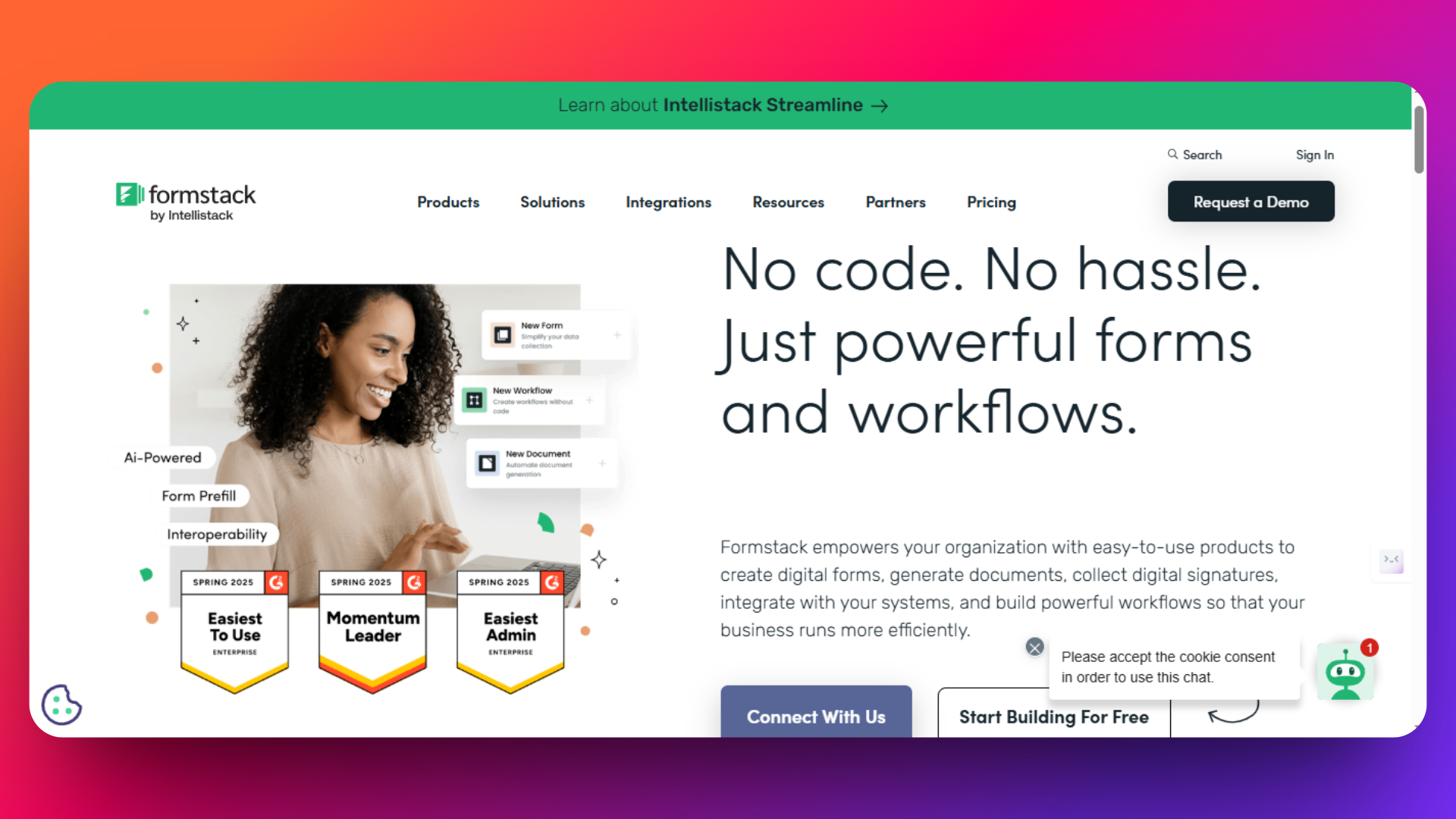
Formstack is a powerful enterprise-grade form builder that caters primarily to organizations with complex workflow needs and strict compliance requirements. It excels where automation, security, and advanced integrations are critical, making it a popular choice for healthcare, education, and finance sectors.
Key Features
- HIPAA-compliant forms for sensitive data collection
- Advanced workflow automation including approvals and routing
- Drag-and-drop form builder with customizable templates
- Document generation and e-signature integration
- Robust integrations with Salesforce, HubSpot, and other CRM tools
- Analytics and reporting dashboards to track form performance
- Pre-fill forms from CRM data for faster submissions
Pricing Plans
- Free trial available
- Advanced features available as add-ons
- Actual prices may vary by region and custom contract
- Formstack’s pricing is positioned for larger organizations and is significantly higher than many competitors.
Please visit Formstack's pricing page for the pricing details - https://www.formstack.com/pricing
Pros
- Strong compliance and security features for regulated industries
- Advanced workflow and automation to streamline processes
- Extensive CRM and API integrations
- Suitable for enterprise teams with multiple users
Cons
- Higher price point, not ideal for small businesses
- Steep learning curve for beginners
- Some users report occasional support delays
Real User Quote
"I love that we can add as much logic as needed to each form. My company has some really long, complex forms, and it's great that I can hide sections and fields as needed to prevent team members from having to put "N/A" as a response hundreds of times. The email automation is a big plus" - G2
5. SurveyMonkey
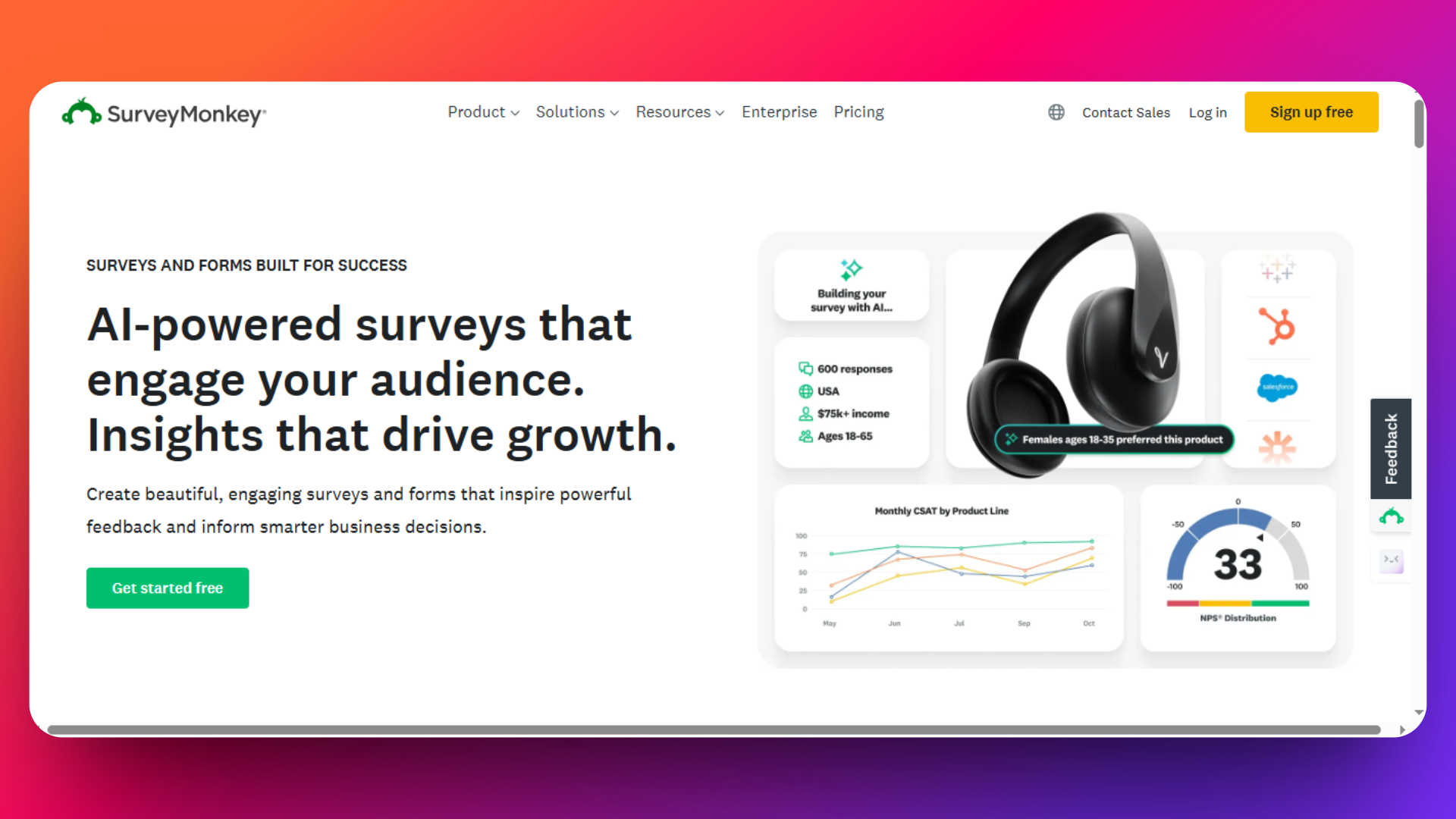
SurveyMonkey dominates the survey and market research space with advanced analytics capabilities, statistical analysis tools, and access to global audience panels. While it excels at comprehensive data collection and research, survey-focused limitations and premium pricing make it less suitable for general form building needs.
What Makes SurveyMonkey Unique
Advanced Survey Analytics & Research Tools
- Statistical significance testing and advanced reporting
- Cross-tabulation analysis for deep data insights
- Benchmark comparisons against industry standards
- Text analysis with sentiment scoring
- Response quality scoring to identify unreliable data
- Panel audience access for targeted market research
Professional Survey Design
- Question bank with expert-written, tested questions
- Survey logic and branching for personalized experiences
- Mobile-optimized responsive design
- Survey templates for various research types
- Brand customization with themes and logos
Latest Pricing Structure
Check out the pricing page for detailed information about pricing - https://www.surveymonkey.com/pricing/
Real User Reviews & Feedback
"Easy to use, very intuitive. A bit pricey at the lowest level. Also would be nice to have a good option for finish confirmation without cost." - Trustpilot
Key Features
- Advanced question types: Matrix, ranking, demographic, and rating scales
- Question piping to reference previous answers
- Randomization for unbiased question ordering
- Survey expiration and access controls
- Multi-language support for global research
- Real-time results with automatic data updates
- Custom dashboards for stakeholder reporting
- Data filtering and segmentation tools
- Export options: PDF, Excel, PowerPoint, SPSS
- Trend analysis over time periods
- Response quality indicators
- Team collaboration with shared workspaces
- API access for custom integrations
- Salesforce, HubSpot, Tableau native integrations
- Webhook support for automated workflows
- White-label options for agencies
Pros:
- Industry-leading analytics and reporting capabilities
- Access to panel audiences for market research
- Advanced statistical analysis tools
- Professional survey templates and question bank
- Strong brand recognition and credibility
- Excellent mobile optimization
- Robust security and compliance features
- Advanced logic and branching capabilities
Cons:
- Survey-focused only - not suitable for general forms
- Expensive pricing for basic data collection needs
- Limited design customization compared to form builders
- No payment processing capabilities
- No e-signature or document generation features
- Response limits on lower-tier plans
- Overkill for simple contact or registration forms
Best Use Cases for SurveyMonkey
Perfect For:
- Market research and customer insights
- Employee engagement and satisfaction surveys
- Academic research requiring statistical analysis
- Brand perception and awareness studies
- Product feedback and usability testing
- Event feedback with detailed analytics
Not Suitable For:
- Contact forms and lead generation
- Payment collection and e-commerce
- Registration forms for events or services
- Application forms with complex workflows
- Simple feedback collection (overkill)
SurveyMonkey excels as a specialized research tool for organizations requiring advanced analytics, statistical analysis, and professional market research capabilities. However, survey-only focus and premium pricing make it unsuitable for general form building needs.
6. Zoho Forms - Integrated Business Ecosystem
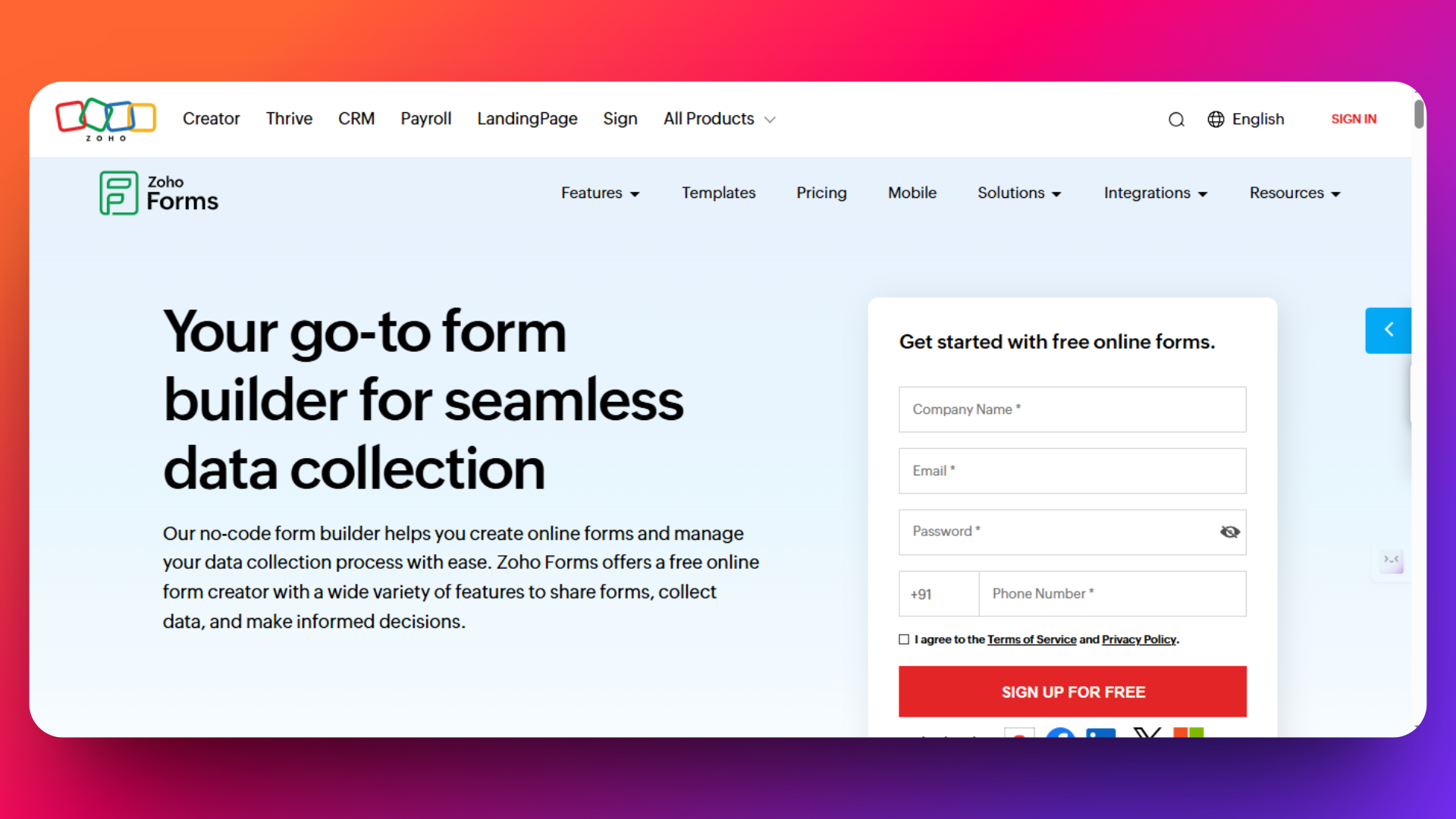
Zoho Forms is the form builder component of the comprehensive Zoho business ecosystem, offering seamless integration with CRM, email marketing, and other business tools. While it provides solid form building capabilities at competitive prices, its strength lies in existing Zoho users seeking unified workflow management rather than standalone form excellence. It's designed for businesses already using Zoho products or those seeking an all-in-one business solution rather than best-in-class form building.
Key Features
Core Form Building
- Drag-and-drop builder with 30+ field types
- Multi-page forms for complex data collection
- Conditional logic and field dependencies
- Mobile-responsive design with card-style layouts
- AI-powered form creation from simple prompts
Business Integration Features
- Native Zoho CRM sync for automatic lead capture
- Payment processing via Stripe, PayPal, and Razorpay
- Document generation and PDF merge capabilities
- Approval workflows for multi-step review processes
- Task management integration for follow-up actions
Advanced Capabilities
- 27 new rating field types for customer feedback
- PDF/image to form conversion for quick setup
- Custom themes and branding options
- Real-time analytics and reporting
- Offline form collection for field work
Latest Pricing Structure
Check out the pricing page for information about prices - https://www.zoho.com/forms/pricing.html?src=headermenu
All pricing shown for annual billing. Monthly billing available at higher rates.
Real User Reviews & Quotes
"I love that Zoho Forms gives users the ability to customize forms with branding, logos, and colors without any coding knowledge." - Capterra
Pros:
- Excellent Zoho ecosystem integration
- Competitive pricing for business features
- Built-in CRM synchronization
- Approval workflows for business processes
- Multi-user collaboration capabilities
- AI-powered form creation
- Document generation and merge features
Cons:
- Limited design flexibility compared to specialized builders
- Best value only within Zoho ecosystem
- Submission limits can be restrictive
- Learning curve for advanced features
- Generic form appearance without extensive customization
- Fewer templates than dedicated form builders
Perfect For:
- Existing Zoho users seeking form integration with CRM/business tools
- Small to medium businesses wanting unified business ecosystem
- Sales teams needing automatic lead capture and CRM sync
- Organizations requiring approval workflows and document generation
- Budget-conscious businesses seeking multiple business tools in one platform
- Teams needing multi-user collaboration on forms
Not Suitable For:
- Standalone form building without Zoho ecosystem needs
- Design-focused projects requiring beautiful, modern forms
- High-volume form collection (expensive at scale)
- Advanced form logic and complex conditional requirements
- Organizations already using non-Zoho CRM/business tools
- Users prioritizing ease of use over business process integration
7. Wufoo - Easy-to-Use Form Builder for Small Businesses
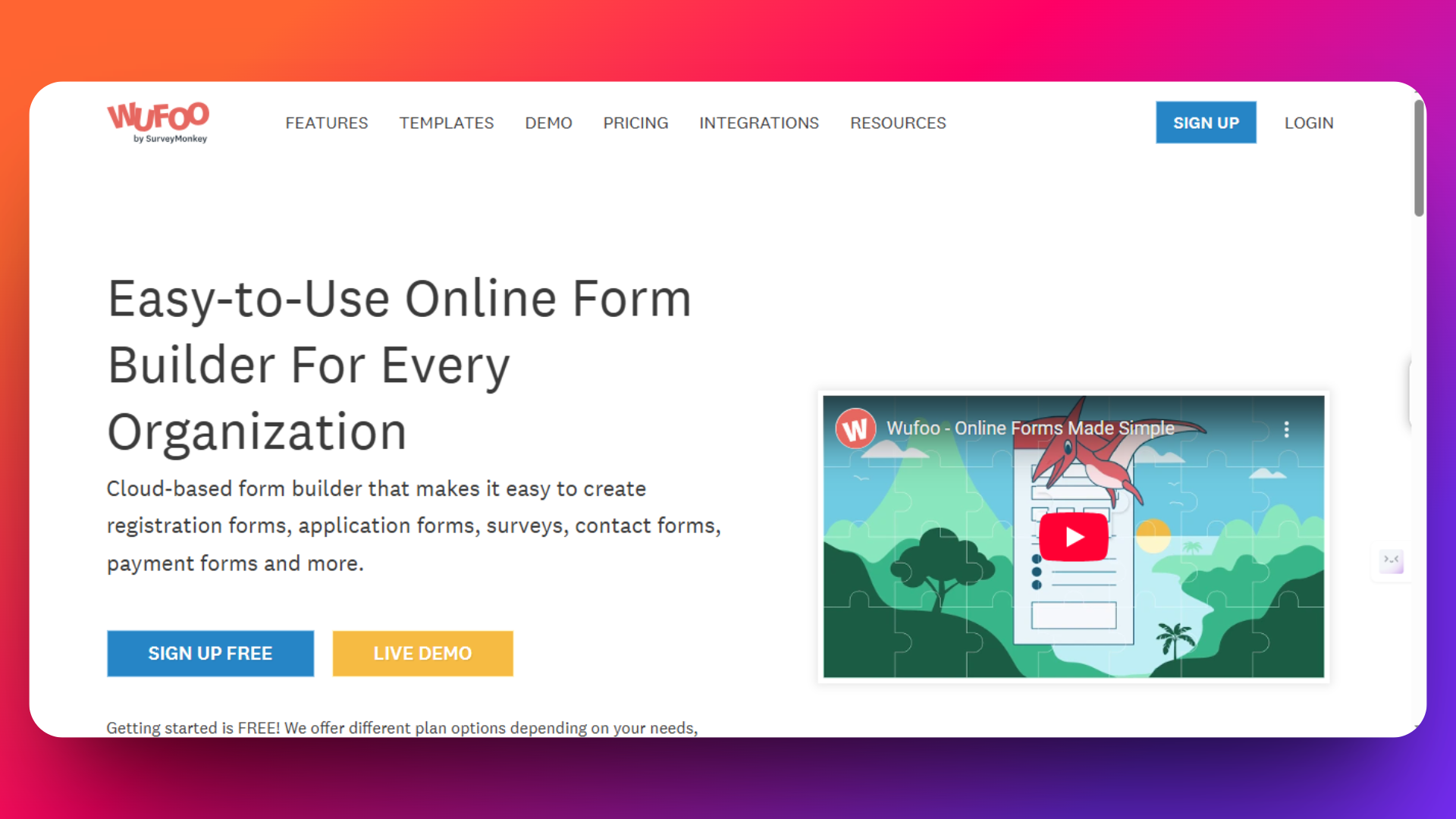
Wufoo by SurveyMonkey offers a simple, intuitive platform designed primarily for small businesses and individuals looking to create clean, functional forms without needing advanced technical skills. With its drag-and-drop interface and solid integration options, Wufoo is ideal for quick form creation and basic data collection needs.
Wufoo provides a user-friendly form builder that balances ease of use with essential functionality. It includes hundreds of templates, basic customization options, and integrations with payment gateways and third-party tools. While it lacks some advanced features compared to competitors, Wufoo shines in delivering straightforward, reliable forms for startups and small teams.
Key Features
- 400+ pre-built form templates across industries
- Conditional logic and rules to build dynamic forms
- Payment integrations with PayPal, Stripe, Square
- Customizable form branding and themes
- Reporting and analytics dashboards
- Data management with export options (CSV, Excel)
- Collaboration tools with access controls
- Data security with SSL encryption
- Embedding options with code snippets for websites and blogs
Pricing Overview
Check out the pricing page for information about prices - https://www.wufoo.com/pricing/
Monthly billing available at higher rates with no long-term contracts
Pros
- Highly intuitive drag-and-drop builder suitable for non-technical users
- Large selection of industry-specific templates for swift form setup
- Integration with major payment gateways for e-commerce forms
- Good support options including documentation and chat
- Reliable and trusted platform with SurveyMonkey backing
Cons
- Limited advanced customization compared to top competitors
- Basic conditional logic that may not meet complex needs
- Reporting features are functional but less sophisticated than enterprise tools
- No public API in lower-tier plans, limiting automation options
- Pricing may seem high for small businesses needing more features
- Some users report subscription and billing inflexibility
Real User Quotes
"We use it for our donation portal and we have integrated it to stripe and our donors have found the platform super easy to use." - Source: GetApp
Perfect For
- Small businesses and startups needing straightforward form building
- Basic contact forms, registrations, and event RSVPs
- Non-technical users seeking easy drag-and-drop interfaces
- Teams requiring fast deployment with good payment processing
- Organizations wanting a reliable solution backed by SurveyMonkey
Not Suitable For
- Complex forms with advanced conditional logic or workflows
- Businesses needing extensive customization or API access
- High-volume data collection or enterprise reporting
- Users wanting deep analytics or integrated marketing automations
- Large corporations requiring robust compliance and security controls
Wufoo excels as a simple, reliable, and user-friendly form builder perfect for small teams and basic use cases. While it lacks some advanced features and flexibility offered by competitors like FormNX or Typeform, Wufoo’s ease of use and integrations make it a solid choice for those prioritizing speed and simplicity.
8. Microsoft Forms - Simple, Integrated Form Builder for Microsoft 365 Users
Microsoft Forms is a straightforward, easy-to-use form builder included with Microsoft 365 subscriptions, designed for users needing basic to moderate survey, quiz, and form creation that integrates seamlessly into the Microsoft ecosystem. It is ideal for internal business use within organizations already using Microsoft products.
Microsoft Forms allows quick creation of surveys, quizzes, and polls with real-time collaboration and built-in analytics. It's deeply integrated with Microsoft products like Excel, Outlook, and Teams, providing a smooth experience for data collection and reporting within enterprises.
Key Features
- Drag-and-drop form designer with multiple question types (text, choice, rating, date)
- Customizable themes and branching logic for personalized forms
- Real-time response tracking and visual reporting with charts and graphs
- Seamless integration with Microsoft Excel for live data syncing
- Embed forms in Microsoft Teams, PowerPoint, email, and websites
- Multilingual support for broader audience reach
- Quiz scoring and automatic grading features for educational use
- Mobile-optimized, accessible design with built-in Immersive Reader
- Security features including enterprise-grade compliance and access control
Pros
- Included with Microsoft 365 subscription (no extra cost for existing users)
- Tight integration within Microsoft 365 suite enhances workflow efficiency
- Highly accessible with intuitive interface and collaboration tools
- Real-time syncing with Excel and PowerPoint facilitates instant reporting and presentations
- Multilingual and accessible design broadens audience reach
- Suitable for quick surveys, internal feedback, quizzes, and forms
Cons
- Limited advanced customization and branding options compared to competitors
- Conditional logic and branching capabilities are basic and sometimes clunky
- No built-in payment processing or e-commerce features
- Lacks robust workflow automation and enterprise features found in dedicated platforms
- Best suited for Microsoft 365 users; less flexible for standalone use
- No public API access for custom integrations or complex automations
Pricing
Microsoft Forms is free for all Microsoft 365 subscribers, making it a cost-effective choice for organizations already invested in the Microsoft ecosystem.
Microsoft Forms has no standalone pricing; it’s bundled within Microsoft 365 suite.
Check out the Microsoft's pricing page for information about pricing - https://www.microsoft.com/en-us/microsoft-365/business/microsoft-365-plans-and-pricing
Real User Quotes
"Microsoft Forms is very easy to use, even for someone without technical experience. I like that I can create surveys, quizzes, or polls quickly with a clean, simple interface. The drag-and-drop style is intuitive, and I don’t need any tutorials to figure things out." - G2 Review
Perfect For
- Businesses and teams already using Microsoft 365 looking for integrated form and survey tools
- Internal feedback collection such as employee surveys, HR forms, and training quizzes
- Education sector needing quizzes and assessments with automatic grading
- Basic customer feedback collection without payment needs
- Organizations wanting real-time Excel integration for data analysis
- Teams needing collaborative form creation and sharing
Not Suitable For
- Organizations requiring advanced form logic, payment processing, or e-commerce features
- Businesses seeking high customization, complex workflows, or branding control
- Users outside Microsoft 365 ecosystem or requiring standalone form solutions
- Enterprises needing robust compliance features beyond Microsoft’s standard offerings
- Data-heavy forms requiring API integrations or advanced automation
Microsoft Forms offers a user-friendly, integrated form experience for Microsoft 365 users with fundamental features to create surveys, quizzes, and polls. Its seamless connectivity to Excel and Teams sets it apart for organizations relying on Microsoft workflows.
Comparison of Top 8 JotForm Alternatives
After reviewing the key features, pricing, user feedback, and ideal use cases for each of the top 8 alternatives to JotForm, it becomes clear that FormNX is the best overall alternative for most businesses, from startups to enterprises.
Why FormNX is the Best Alternative
Best Value Pricing: FormNX offers unlimited forms and submissions starting at just $12 per month, compared to higher price points and submission limits on competitors.
Rich Feature Set: With 1,000+ professional templates, advanced conditional logic, custom PDF generation, payment integrations, and team/workspace management, FormNX covers all essential business needs out of the box.
Exceptional Customer Support: FormNX stands out with its highly rated 24/7 live support and active community, ensuring users get help whenever needed.
Scalability & Flexibility: From small teams to agencies and enterprises, FormNX’s scalable plans and unlimited submissions make it a future-proof solution.
Ease of Use Meets Power: Combining a simple drag-and-drop builder with powerful features like AI-enabled form creation and detailed analytics means FormNX offers the best of both worlds.
Final Recommendation
If you are looking for a reliable, affordable, and feature-rich alternative to JotForm, FormNX is the clear winner. It provides everything you need to create professional, customizable, and scalable forms with no restrictions on submissions and the support to back you up.
For businesses wanting:
- Unlimited submissions without breaking the bank
- Advanced features like PDF generation, payment collection, and workspace collaboration
- Intuitive design that anyone can master
- Responsive and helpful customer support
- FormNX delivers the best balance of value, functionality, and ease of use.
For those who prioritize conversational form experiences or belong deeply in the Google or Microsoft ecosystems, Typeform, Google Forms, or Microsoft Forms could be viable secondary options. However, for all-around form building needs, unlimited scale, and professional-grade features, FormNX remains unmatched.
Start your free trial with FormNX today and experience why it’s the smartest JotForm alternative in 2026!
Frequently Asked Questions
What is the best JotForm alternative?
FormNX is the best JotForm alternative for most businesses in 2026 — it matches JotForm's core features (payments, e-signatures, PDF generation, conditional logic) but removes the monthly submission caps and costs less. See the full JotForm alternative breakdown.
Is there a free JotForm alternative?
Yes. FormNX offers unlimited forms and unlimited submissions on its free-forever plan, compared with JotForm's free cap of 100 submissions/month across 5 forms.
What is a cheaper alternative to JotForm?
FormNX starts at around $12/month with unlimited submissions, while JotForm's paid tiers still cap submissions (1,000–10,000/mo) and payment entries. For high-volume forms, FormNX is usually the cheaper JotForm competitor as you scale.
Which JotForm alternative has no submission limits?
FormNX provides unlimited submissions on every plan, including free — so a growing form never hits a wall or forces a surprise upgrade mid-month.
Is FormNX a good JotForm alternative for agencies?
Yes. One FormNX subscription includes unlimited client workspaces and a white-label form builder, so agencies can manage many clients' forms without per-seat or Enterprise pricing.