
Introduction
Google Forms is often the first tool people turn to when they need a quick form. It’s simple, free, and easy to use. But when the requirement goes beyond data collection - especially when you need to automatically generate PDFs or send digital tickets - many users hit a wall.
A very common question looks like this:
“Can a form automatically send a personalized PDF ticket to the respondent?”
While this is technically possible with Google Forms, it usually involves scripts, add-ons, or complex setups. On the other hand, FormNX is built specifically to handle this workflow natively.
In this article, we’ll compare FormNX vs Google Forms with a focus on automatic PDF generation and digital ticket delivery, so you can decide which tool fits your needs better.
Core Difference at a Glance
The biggest difference between the two tools is simple:
- Google Forms is designed for collecting responses
- FormNX is designed for collecting responses and generating documents
If your workflow ends at “store responses,” Google Forms may be enough. If your workflow includes creating PDFs after submission, the difference becomes very clear.
PDF Generation:
Google Forms
Google Forms does not natively generate PDFs from form responses.
To create PDF documents or digital tickets, users typically rely on:
- Google Docs templates
- Google Sheets as an intermediary
- Apps Script or third-party add-ons
- Manual configuration and maintenance
This setup can work, but it introduces:
- Technical complexity
- Breakage when forms change
- Dependency on external tools
- Ongoing maintenance effort
For non-technical users, this often becomes a blocker.
FormNX
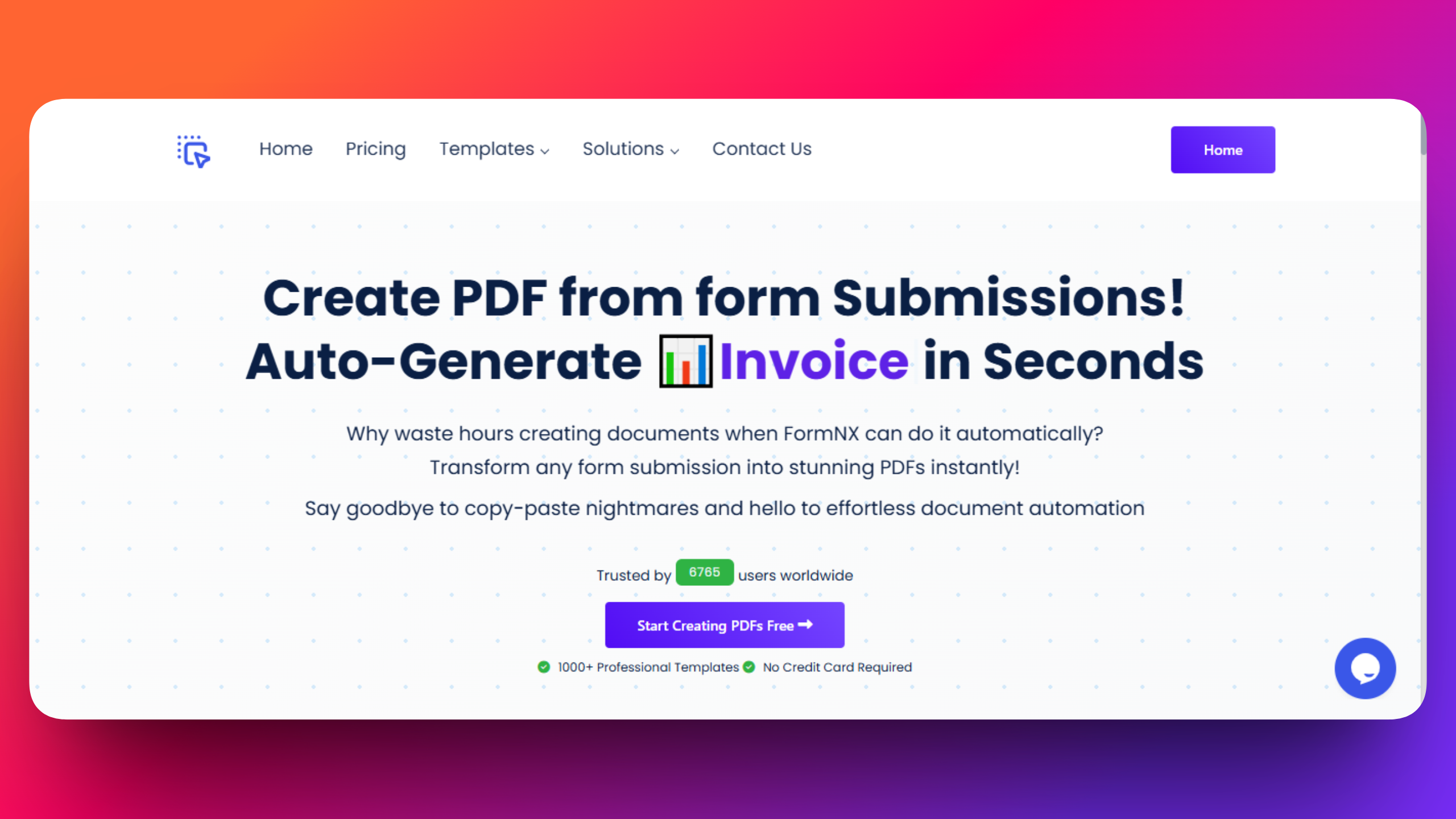
FormNX includes a built-in PDF Builder designed specifically for this use case.
With FormNX:
- PDFs are generated automatically after submission
- No scripts or add-ons are required
- Form responses map directly into PDF templates
- The workflow remains stable even as forms evolve
This makes PDF generation part of the core experience, not an add-on.
Digital Ticket Creation and Delivery
Google Forms
Creating digital tickets with Google Forms is possible, but indirect.
A typical flow looks like:
- Form submission
- Response stored in a sheet
- Data merged into a document template
- PDF generated via script or add-on
- Email sent separately
Each step introduces potential delays and failure points.
FormNX
FormNX turns digital ticket creation into a single automated flow.
With one submission:
- A personalized PDF ticket is generated
- The attendee’s name and details are embedded
- The ticket is emailed automatically
- No manual follow-up is required
This makes FormNX ideal for schools, events, workshops, and registrations where speed and accuracy matter.
Customization and Design Control
Google Forms
Google Forms offers limited customization:
- Basic themes
- Minimal layout control
- No native PDF layout design
Any professional document styling must be handled outside the platform.
FormNX
FormNX allows full control over PDF design:
- Custom layouts
- Branding and logos
- Structured sections
- Print-ready formatting
This ensures documents look professional and consistent, even at scale.
No-Code Experience
Google Forms
While Google Forms itself is simple, PDF workflows are not.
Users often need:
- Script editing
- Template management
- Debugging when things break
This makes advanced workflows less accessible to non-technical users.
FormNX
FormNX is no-code by design.
Everything - form creation, PDF design, automation, and email delivery - is handled visually. This allows teams to build and maintain workflows without technical help.
Scalability and Reliability
Google Forms
As submissions increase:
- Scripts can slow down
- Errors become harder to track
- Maintenance effort grows
This can be challenging for events or institutions issuing large numbers of documents.
FormNX
FormNX is built to scale:
- PDFs are generated consistently
- Automation remains stable
- No additional setup is required as volume grows
Whether you send 10 or 10,000 PDFs, the workflow stays the same.
Use Case Comparison
| Use Case | Google Forms | FormNX |
|---|---|---|
| Basic data collection | ✅ | ✅ |
| Automatic PDF generation | ❌ (Add-ons required) | ✅ |
| Digital ticket PDFs | ❌ (complex) | ✅ |
| No-code document automation | ❌ | ✅ |
| Professional PDF design | ❌ | ✅ |
| Instant email delivery with PDF | ⚠️ (via scripts/Add-ons) | ✅ |
Which Tool Should You Choose?
Choose Google Forms if:
- You only need simple data collection
- You don’t need PDFs or document automation
- You’re comfortable with manual workflows
Choose FormNX if:
- You need PDFs after form submission
- You want to send digital tickets automatically
- You prefer a no-code, all-in-one workflow
- You care about document design and consistency
Final Thoughts
Google Forms is a solid tool for basic forms, but it was never designed to handle document automation.
FormNX fills that gap by making PDF generation and digital ticket delivery native features, not workarounds. If your forms are part of a larger workflow - especially one that involves documents - FormNX offers a simpler, more reliable solution.
Build Smarter Form-to-PDF Workflows with FormNX
If you’re tired of scripts, add-ons, and manual processes, it’s time to simplify.
Looking beyond just PDF workflows? See the full feature, pricing, and migration breakdown on the FormNX Google Forms alternative page.
FAQs
Can Google Forms automatically generate PDFs after submission?
No. Google Forms does not natively generate PDFs after form submission. To create PDFs, users must rely on workarounds such as Google Docs templates, Apps Script, or third-party add-ons.
Does FormNX support automatic PDF generation?
Yes. FormNX includes a built-in PDF builder that automatically generates customized PDF documents immediately after a form is submitted, without requiring any coding or external tools.
Which tool is better for sending digital tickets?
FormNX is better suited for sending digital tickets because it can generate personalized PDF tickets and email them automatically after submission. Google Forms requires multiple additional steps and tools to achieve the same result.
Do I need technical skills to create PDFs with FormNX?
No. FormNX is a no-code platform. You can design forms, create PDF templates, and automate delivery using a visual interface, without writing scripts or code.
Is FormNX suitable for large events or institutions?
Yes. FormNX is designed to scale and can reliably generate and send large volumes of PDF documents, making it suitable for schools, colleges, and event organizers.
Can I customize the design of PDFs in FormNX?
Absolutely. FormNX allows full control over PDF layout, branding, text, and structure, ensuring that documents look professional and consistent.