
3 posts tagged with "automatic pdf generation"

View All Tags

· 8 min read
Nikhil

PDF builder

Introduction

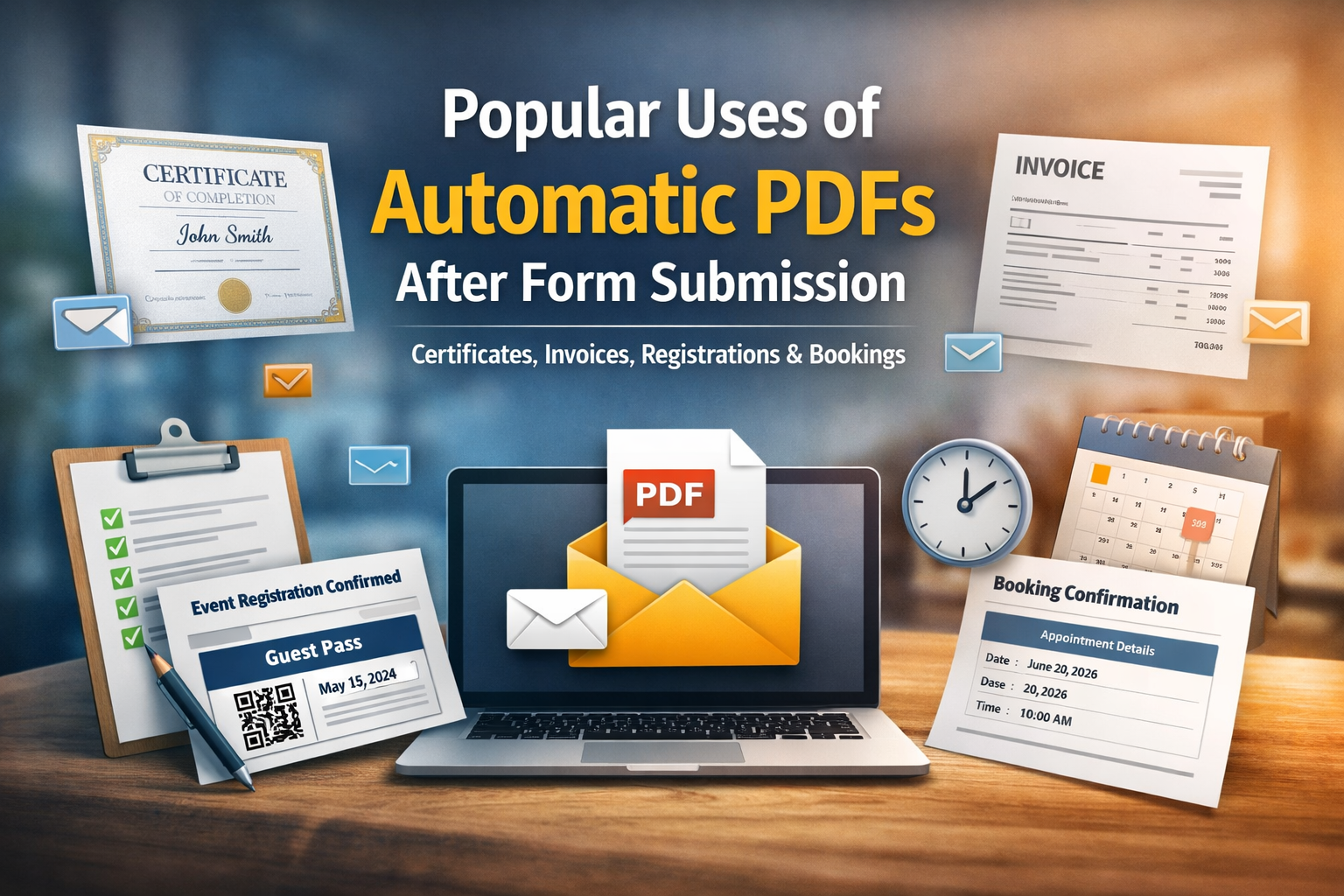
Forms are everywhere - from event registrations to online bookings, invoices to certificates. But collecting data is only half the job. In most real-world workflows, you need to turn that data into a document people can download, print, or save - preferably instantly and professionally.

That’s where automatically generated PDF documents shine. Whether you’re confirming a registration or issuing a certificate of completion, PDFs serve as a formal and shareable output that adds credibility and convenience.

In this blog, we’ll explore the most valuable use cases for PDF generation after form submission and walk through what each confirmation PDF typically includes - so you know what to expect and how to deliver professional results.

· 6 min read
Nikhil

Introduction

Google Forms is often the first tool people turn to when they need a quick form. It’s simple, free, and easy to use. But when the requirement goes beyond data collection - especially when you need to automatically generate PDFs or send digital tickets - many users hit a wall.

A very common question looks like this:

“Can a form automatically send a personalized PDF ticket to the respondent?”

While this is technically possible with Google Forms, it usually involves scripts, add-ons, or complex setups. On the other hand, FormNX is built specifically to handle this workflow natively.

In this article, we’ll compare FormNX vs Google Forms with a focus on automatic PDF generation and digital ticket delivery, so you can decide which tool fits your needs better.

· 7 min read
Nikhil

How to Automatically Send Personalized PDF Tickets via Email After Form Submission (Google Forms Alternative)

“Can a form automatically send a digital ticket as a PDF on email?”

This is one of the most common questions asked by schools, colleges, and event organizers. The use case is simple: a student or attendee submits a form, enters their name and email address, and immediately receives a personalized digital ticket - preferably as a PDF that looks professional and official.

In practice, though, many form tools make this surprisingly difficult. You can collect responses easily, but turning those responses into a custom PDF ticket and emailing it automatically often requires scripts, add-ons, manual setup, or third-party automation tools that break frequently.

This is where FormNX changes the experience completely. Enter student name/email → instant personalized PDF ticket → auto-email delivery. No coding, no plugins, no hassle.