
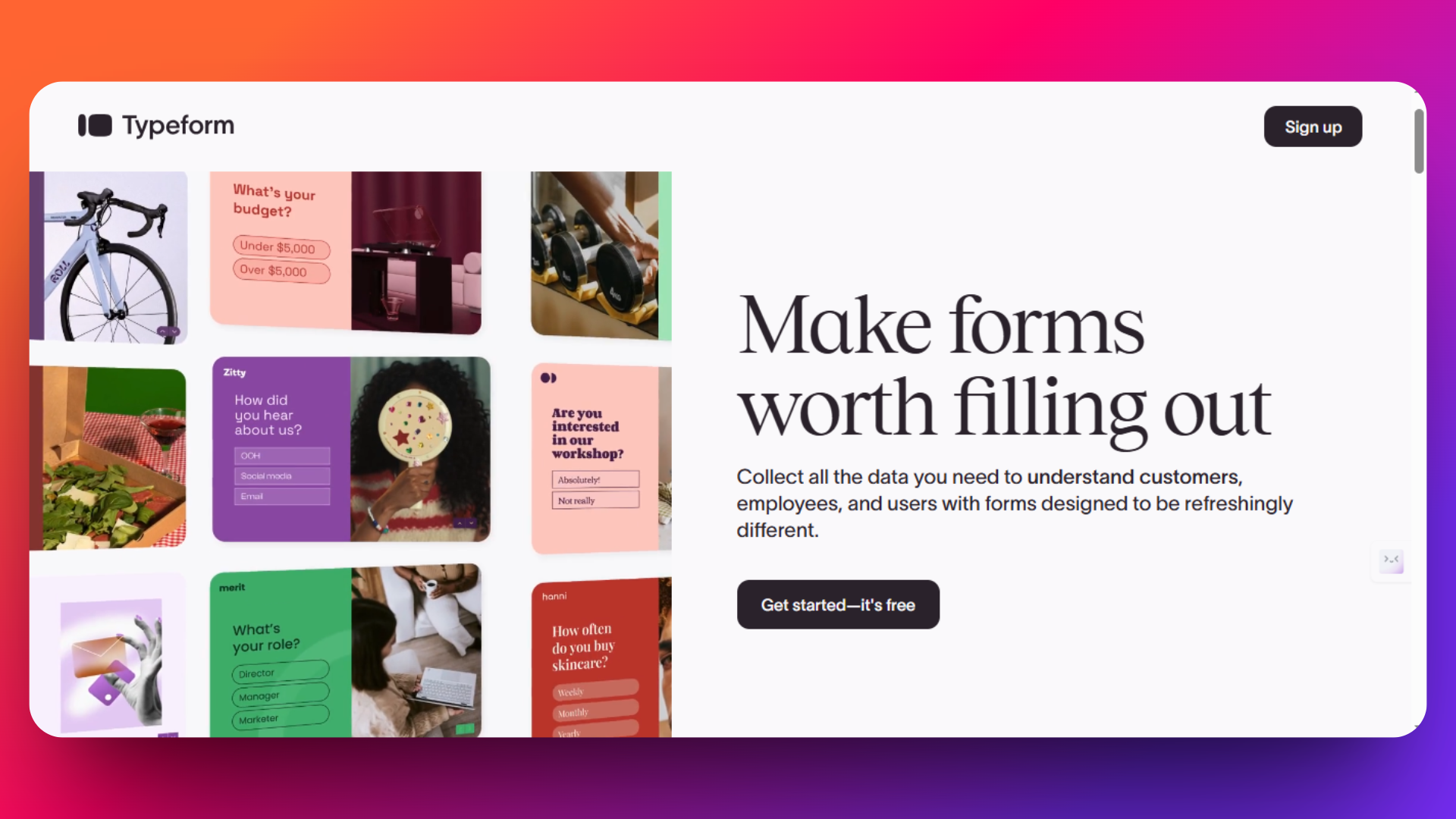
Typeform has become a popular choice for businesses creating interactive forms and surveys. However, many companies are discovering that its expensive pricing and limited features don't always match their needs.
Whether you're a small business owner looking for budget-friendly options or an enterprise seeking advanced functionality, there are excellent Typeform alternatives available.
Common reasons businesses switch include high subscription costs, basic customization options, limited free plan features, and restricted integrations.
In this guide, we'll explore the top 8 Typeform alternatives for 2026, comparing their features, pricing, and capabilities. We've tested each platform to help you find the perfect form builder that matches your specific needs and budget. From free solutions like Google Forms to powerful paid alternatives like FormNX, you'll discover options that deliver better value and functionality than Typeform.
Ready to find a form builder that works harder for your business? Let's dive into the best alternatives available today.
Why Look for Typeform Alternatives?
While Typeform is popular, it has several drawbacks that push businesses to seek better options. Here are the main issues users face:
High Pricing Costs
Typeform's paid plans start at $25 per month, which is expensive compared to competitors. Small businesses often find these costs too high for basic features.
Limited Free Plan
The free version only allows 10 responses per month and lacks essential features. Most businesses quickly outgrow this tight limit.
Basic Customization Options
Despite looking good, Typeform offers limited design flexibility. Users can't fully customize forms to match their brand needs.
Restricted Logic Features
Typeform's conditional logic is basic compared to other tools. Creating complex forms with advanced branching is difficult. For unlimited conditional logic rules with show/hide, skip logic, and branching on every plan, see FormNX below.
No Partial Response Storage
If someone starts a form but doesn't finish it, Typeform loses that data completely. This means missing out on valuable partial submissions.
Poor Customer Support
Many users report difficulty reaching customer service and getting help with billing problems.
These limitations have created demand for alternatives that offer better value, more features, and fairer pricing. That's where tools like FormNX and others come in to fill the gap.
1. FormNX
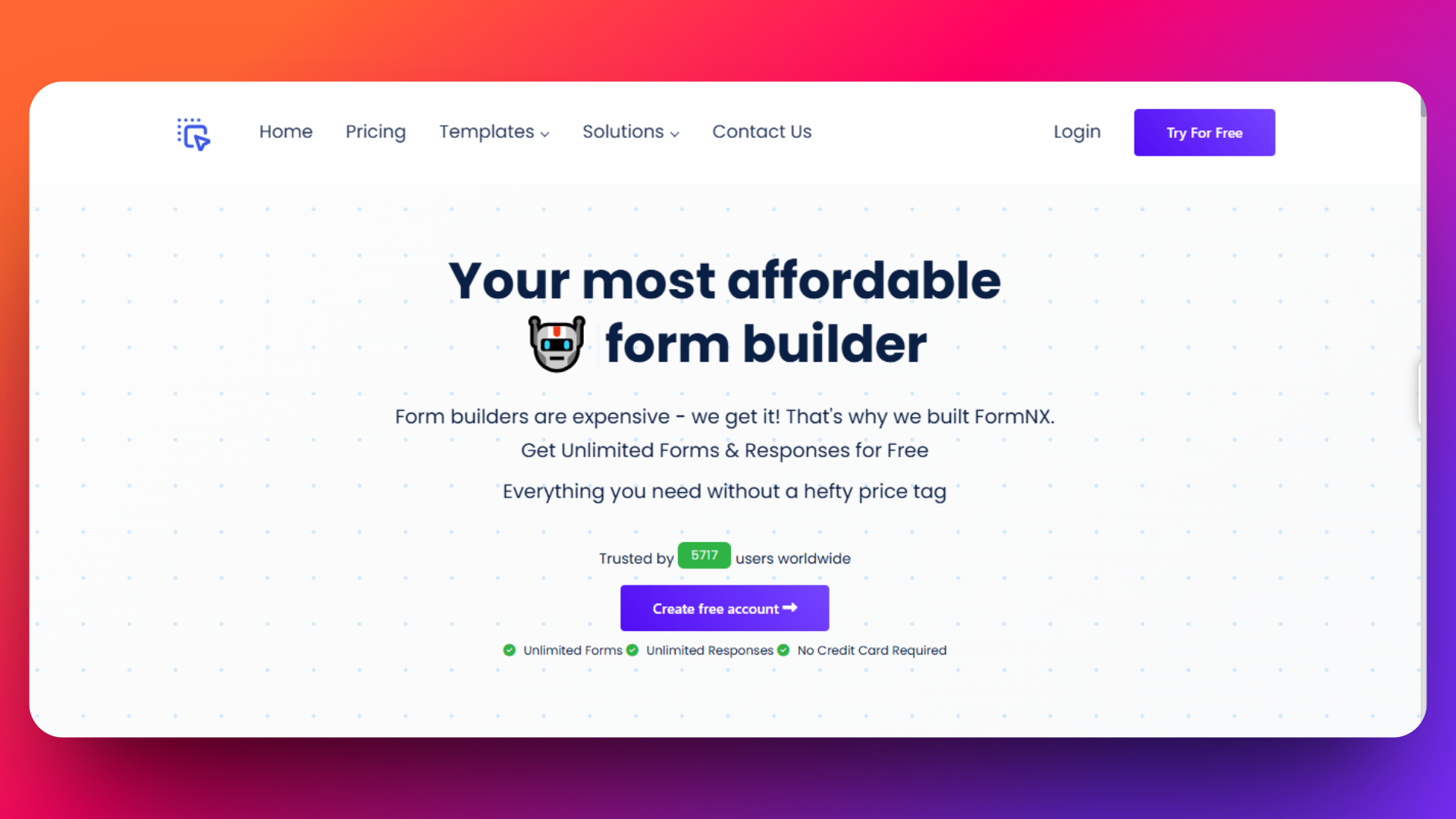
FormNX stands out as the top Typeform alternative for 2025, offering a perfect balance of advanced features, affordability, and user-friendly design. With its AI form builder and generous free plan, FormNX addresses the key limitations that push users away from Typeform — describe the form you want in plain English and get a working draft in seconds, instead of dragging every field by hand.
👉 For a deeper feature-by-feature breakdown, visit the dedicated FormNX vs Typeform landing page — covers pricing, response limits, and design parity.
FormNX delivers unlimited forms and submissions completely free, making it the most cost-effective solution for businesses of any size.
FormNX isn't just another form builder-it's a complete business solution designed to eliminate the pain points that drive users away from other form builders. With 5,410+ active users creating over 408,000+ submissions across 10,903+ forms, FormNX has proven its reliability at scale.
Whether you're creating contact forms, event registrations, payment collections, survey forms, quiz forms, consent forms, HR forms, Marketing forms, application forms, RSVP forms, Registration forms, or complex multi-step forms, FormNX delivers professional results in minutes.
Key Statistics:
Pricing
- FormNX provides Starter plan i.e. absolutely free and this plan includes unlimited forms, unmlimited submissions, unlimited fields per form, and also access to all 1000+ templates.
- FormNX provides paid plans like Pro Plan 1, Pro Plan 2, Pro Plan 3, etc.
- FormNX provides special plan for agencies looking to create and manage a lot of customer forms
Check out the pricing page for the information about paid plans - https://formnx.com/price
✅ 30-Day Money-Back Guarantee
Features
FormNX provides:
- Unlimited forms and submissions - No monthly caps or hidden restrictions
- Unlimited form fields - Build complex forms without field limitations
- Access to all 1000+ templates
- Advanced conditional logic
- Spam protection and GDPR compliance
- E-signature capture - Built-in digital signature functionality
- Advanced reporting and analytics
- Custom JavaScript/CSS support
- Partial submission recovery - Capture incomplete responses
- Progress Bar - Displays the progress of filling out a form
- FormNX supports a wide range of languages
- Draft - User can submit a form as draft and later they can edit it
- Customized Thank You Page
Workspace Collaboration Excellence - FormNX's workspace system outshines other builder's team features:
- Role-based access control (Admin, Member, Viewer)
- Centralized management for all forms and responses
- Real-time collaboration without per-user fees
- Client workspace invitations for agencies
Advanced PDF Builder & Document Generation- Generate professional documents automatically:
- Custom PDF templates with drag-and-drop builder
- Auto-email PDFs to respondents
- 1,000-20,000 PDF credits depending on plan
- Attach PDFs directly in forms
Superior Integration Ecosystem - Connect with your existing tools seamlessly:
- Stripe payments with no extra fees on paid plans
- Google Sheets, Mailchimp, Slack integrations
- Webhook support for custom workflows
Advanced Features
Smart Form Logic & Automation
- Advanced conditional logic to show/hide multiple fields per page
- Dynamic calculations for pricing forms and calculators
- Auto-reference numbers for tracking submissions
- Form scheduling with start/end dates
Security & Compliance
- GDPR compliance built-in
- Password protection for sensitive forms
- Duplicate submission prevention
- Email Verification (OTP) - verify emails with a 6-digit code before submission
- Block Disposable Emails - reject Mailinator, 10MinuteMail, and other throwaway providers automatically with a one-click toggle (Typeform has no native equivalent — disposable-email blocking there requires manually configured Logic Jumps per domain or a third-party spam-protection integration)
- Spam protection with reCAPTCHA
Professional Design Options
- 1000+ professionally designed templates
- Complete brand customization (colors, fonts, logos)
- Custom CSS/JavaScript support
- Mobile-responsive design automatically
Quiz Mode
- Correct Answers Specification
- Assign Points or Marks for Assignment
- Feedback for Correct and Incorrect Answers
- Viewable Results
- Total Points/Marks Calculation
- Insights for Teachers/Admins
👉 Building lead-gen quizzes, training assessments, or classroom tests? The dedicated online quiz maker page covers scoring rules, timed sections, certificate auto-issue, and the result-sharing options Typeform's Quiz feature lacks.
Why Agencies Choose FormNX
FormNX's agency-focused pricing is revolutionary:
- One subscription = unlimited client workspaces
- Invite clients to manage their own forms
- White-label solutions with branding removal
- Set your own pricing while paying one flat fee
Real User Testimonials
"The best feature of FormNX is its extensive library of free templates and the intuitive drag-and-drop interface. This allows for quick customization and form creation without needing any coding knowledge. Additionally, the seamless integrations with platforms like Stripe and Google Places enhance its functionality, making it easy to collect payments and enrich data." - G2
"I've been using formnx.com for over a year now, and I am consistently impressed with their service. With 30 to 50 form entries daily, I'm certainly not a small user, and the platform handles the volume effortlessly. The scope of features they offer is truly comprehensive, covering everything I need and more. It's clear that a lot of thought has gone into providing a robust and versatile platform that caters to a wide range of needs, from casual users to those with significant daily demands." - Trustpilot
Pros:
- Exceptional value - More features than competitors at lower cost
- No submission limits
- Outstanding customer support - Responsive, helpful team
- Extensive integrations - Webhook, Stripe, Mailchimp, and more
- AI features save significant time in form creation
- Advanced features included - E-signatures, payments, PDF generation
- Weekly automated reports provide actionable insights
- A large collection of ready-to-use professional templates (registration, booking, feedback, surveys, etc.) saves time.
- Show/hide fields based on user responses for smarter forms.
- Easy to share forms via links, embed on websites, or share across social media.
- Add branded welcome pages and custom thank-you messages after submission.
- Teams can work together on forms without technical barriers.
- Supports multi-step forms with progress bars for a better user experience.
- Modern, intuitive interface that's easy to learn
Cons:
- Newer brand - Less market recognition than Typeform or Google Forms
- Learning curve - More features mean slightly steeper learning curve than basic form builders
- Stripe processing fees apply to free tier users
Who Should Choose FormNX
Perfect for:
- Small businesses needing unlimited submissions without breaking the bank
- Agencies managing multiple client forms
- Teams requiring advanced collaboration features
- Organizations needing GDPR compliance and security
Use Cases:
- Lead generation forms with payment processing
- Customer feedback surveys with PDF reports — see the dedicated survey builder online page for NPS, CSAT, and multi-page survey templates
- Event registration with automated confirmations
- Job applications with document generation
- Multi-step forms with complex logic
YouTube Video Resources FormNX Complete Demo | Build Forms Without Coding - Comprehensive walkthrough of FormNX features
Documentation: FormNX Features Guide - Comprehensive feature documentation and tutorials
FormNX offers a 30-day money-back guarantee ✔️ on all paid plans, making it risk-free to switch from Typeform. The free forever plan includes everything most businesses need, while paid plans start at just $12/month annually.
2. JotForm
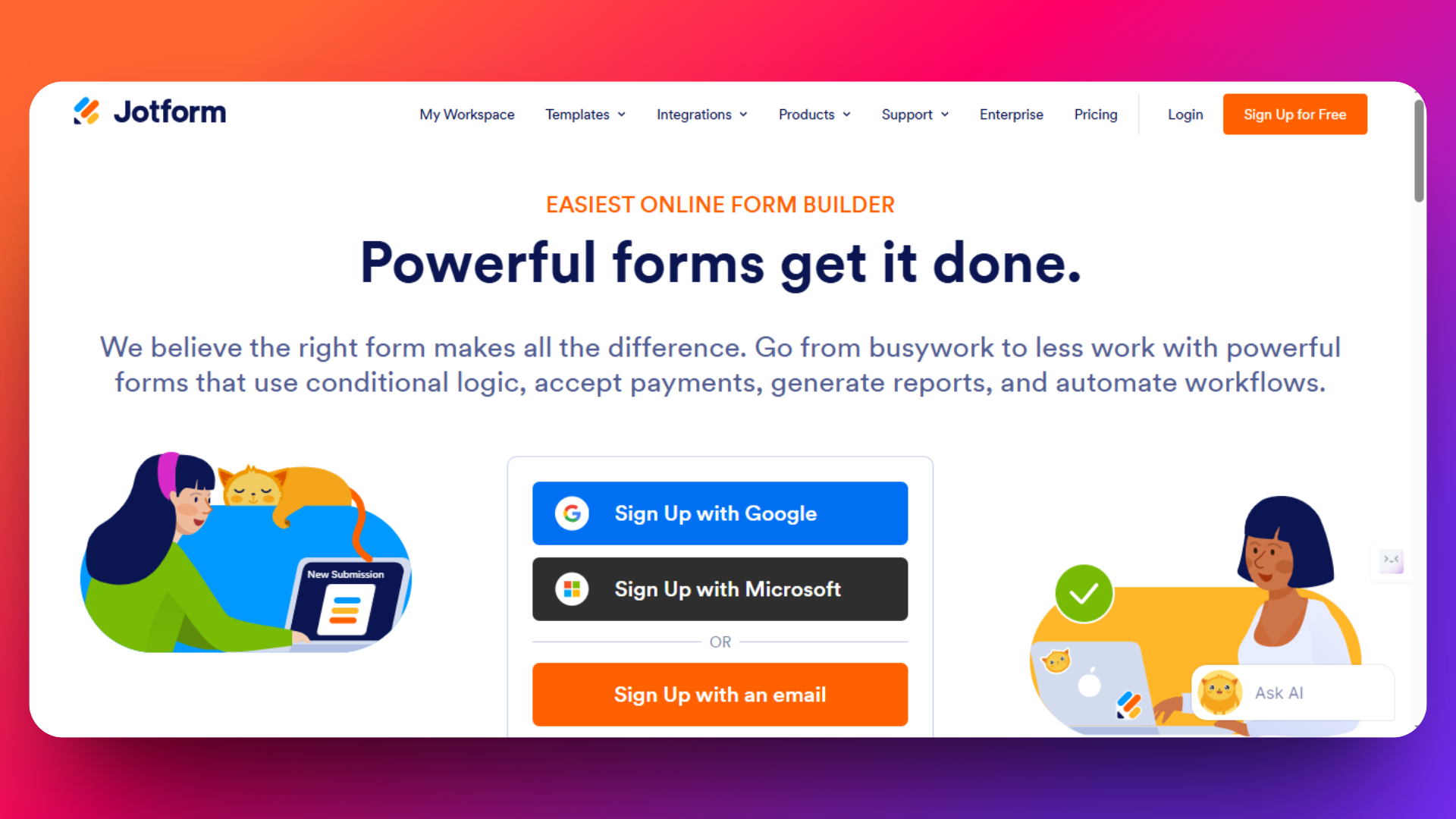
JotForm positions itself as the professional alternative to Typeform, offering extensive customization options, payment processing, and business-grade features. With over 10,000 templates and advanced conditional logic, JotForm serves businesses that need more than basic form functionality.
👉 Considering JotForm? See how it compares on our JotForm alternative page — same advanced features without submission caps.
JotForm is a comprehensive form builder designed for businesses that require advanced features like payment collection, HIPAA compliance, and sophisticated workflows. While more expensive than Google Forms or FormNX, JotForm delivers enterprise-grade capabilities for organizations with complex form requirements.
Key Features
- 10,000+ professional templates - Industry-specific designs for every use case
- Template categories - Sorted by profession, industry, and language
- Fully customizable - Every template can be modified to match brand requirements
- Custom CSS/HTML/JavaScript - Complete control over form appearance and behavior
- Advanced conditional logic - Show/hide fields, calculate values, personalize thank-you pages
- Multi-page forms - Create complex, step-by-step form experiences
- Direct payment processing - Built-in integrations with PayPal, Stripe, Square, Authorize.Net
- Recurring payments - Support for subscriptions and recurring billing
- HIPAA compliance - Secure forms for healthcare and sensitive data
- E-signature capture - Built-in digital signature functionality
- Workflow automation - Approval processes and team collaboration
- Form analytics - Built-in reporting and data visualization
Pricing
JotForm's pricing reflects its business focus:
- Free Plan: 5 forms, 100 submissions/month, JotForm branding
- Bronze Plan: 25 forms, 1,000 submissions, remove branding
- Silver Plan: 50 forms, 2,500 submissions, payment processing
- Gold Plan: 100 forms, 10,000 submissions, advanced features
- Enterprise: Custom pricing for large organizations
Please check out this pricing page for detailed information about latest pricing - https://www.jotform.com/pricing
Pros:
- Comprehensive business functionality in one platform
- Professional templates
- Payment processing - Native integration with major payment providers
- HIPAA compliance - Suitable for healthcare and regulated industries
- Advanced logic - Sophisticated conditional workflows
- 200+ integrations - Connects with major CRMs, email platforms, and business tools
Cons:
- Expensive pricing - Significantly more costly than FormNX or Google Forms
- Overwhelming for beginners - Feature complexity can intimidate new users
- Limited free plan - Only 5 forms and 100 submissions restrict trial usage
- Support issues - Users report inconsistent support quality on lower-tier plans
- Integration reliability - Some users experience problems with third-party connections
- Some advanced customization requires technical knowledge
User Reviews
G2 Rating: 4.7/5 stars - "I use JotForm every day, and it works brilliantly for our company. Our engineers find it incredibly easy to use, and with the new AI features, creating forms has become even simpler-it saves us so much time"
Capterra Rating: 4.7/5 stars - "Jotform made form creation and data collection effortless for my business. It's fast, simple, and reliable for daily tasks."
When JotForm Makes Sense vs. Alternatives
Choose JotForm if:
- You need HIPAA compliance for healthcare or sensitive data collection
- Payment processing is essential and you want native integration
- Advanced conditional logic is required for complex forms
- Professional branding and extensive customization matter
- Budget allows for premium features ($34-$99/month is acceptable)
3. Google Forms
Google Forms is one of the most popular free form builders, especially favored by small businesses, educators, and individuals who need a simple, no-cost tool to collect data quickly. Integrated seamlessly with Google Workspace, it allows easy collaboration and automatic syncing with Google Sheets for data analysis.
👉 Need more than Google Forms can offer? Compare options on our Google Forms alternative page.

Key Features
- Unlimited forms and responses for free
- Integrated with Google Sheets for real-time data management
- Collaborative form building with multiple editors
- Basic conditional logic and question branching
- Automatic quiz grading for educators
- Mobile-responsive forms accessible on any device
- Easy embedding on websites and sharing via links
- Basic customization including images and videos
Pricing
Basic features are free for all Google account users
Check out the pricing page for information about latest pricing of Google Forms - https://workspace.google.com/pricing
Pros
- Completely free with no response limits
- Tight integration with the Google ecosystem
- Extremely easy to use and set up
- Real-time collaboration and data syncing
- Trusted platform with strong uptime and security
Cons
- Limited advanced customization and branding options
- Basic conditional logic compared to competitors
- No payment collection features
- Not ideal for complex or multi-step forms
- Fewer third-party integrations outside Google ecosystem
- No branding options for professional client-facing forms
- Basic analytics with no advanced reporting features
Real User Quote
"My overall experience with Google Forms was positive. It’s a straightforward tool for collecting data and organizing responses, though it lacks some advanced features for customization." - getapp.za
Best For:
Budget-conscious organizations, educational institutions, small businesses needing basic data collection, teams already using Google Workspace, internal employee surveys and feedback collection, and anyone requiring reliable form functionality without cost considerations.
Google Forms excels when simplicity, cost-effectiveness, and Google ecosystem integration are priorities over advanced features and custom branding. While it lacks the sophisticated capabilities of FormNX or the template variety of JotForm, its zero-cost model and robust basic functionality make it an unbeatable choice for straightforward form creation needs.
4. SurveyMonkey
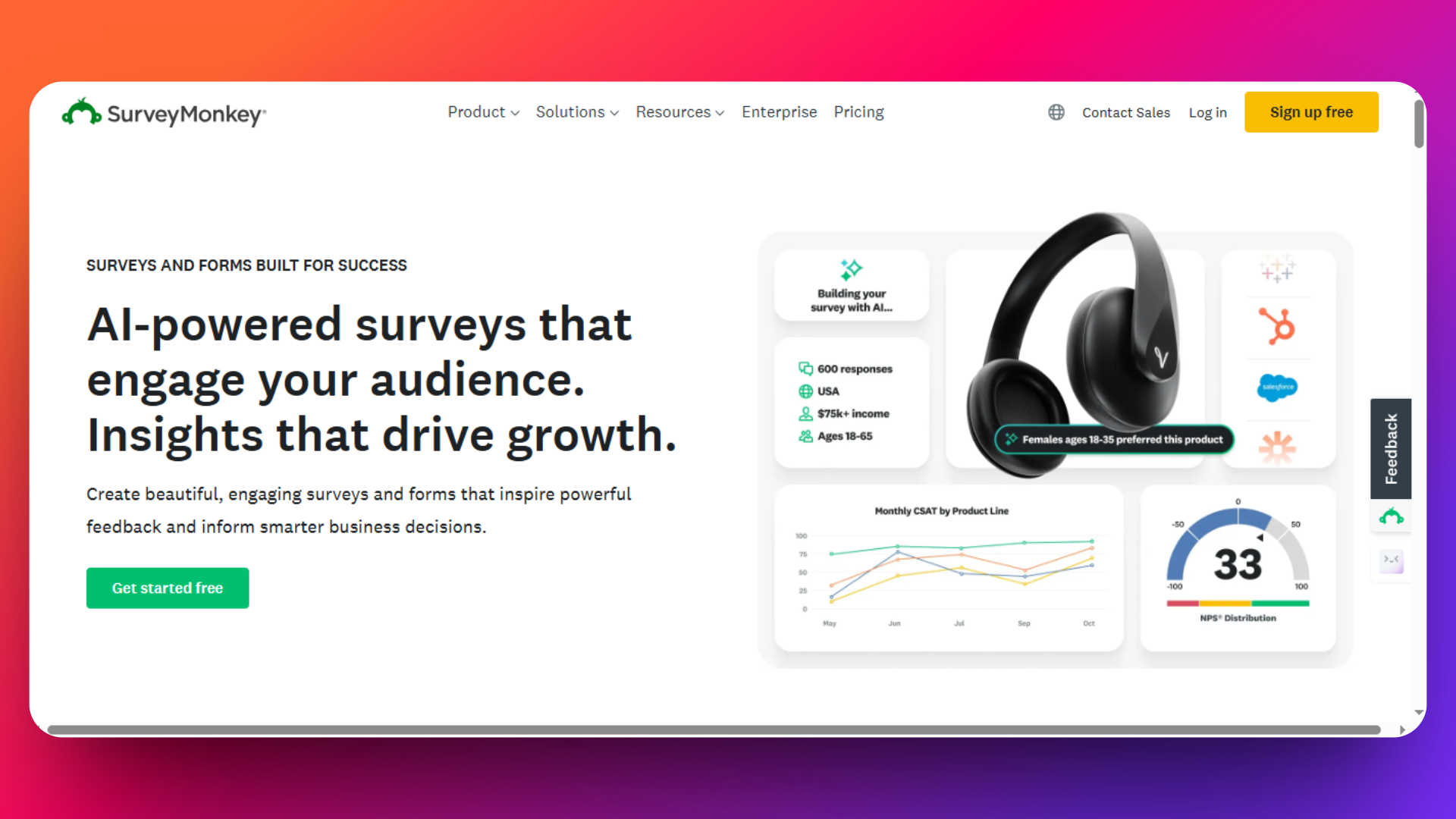
SurveyMonkey has earned its reputation as the industry leader in professional survey creation and market research, offering sophisticated analytics capabilities that go far beyond basic form building. With advanced survey logic, professional reporting, and enterprise-grade features, it's the go-to choice for organizations that need comprehensive data analysis tools.
Key Features:
- Advanced Survey Logic: Complex branching, skip patterns, and randomization options create sophisticated survey flows that adapt to respondent behavior
- Professional Analytics Dashboard: Real-time reporting with statistical significance testing, cross-tabulation, and trend analysis for deep data insights
- Custom Branding Options: White-label surveys with custom logos, colors, and domain names to maintain professional brand consistency
- Multi-Channel Distribution: Share surveys via email, social media, QR codes, embedded widgets, and pop-up invitations for maximum reach
- Question Bank Library: Access to expert-written survey questions and templates validated by survey research professionals
- Advanced Export Options: Export data in multiple formats including SPSS, Excel, PDF, and PowerPoint for seamless integration with analysis tools
- Team Collaboration: Multi-user accounts with role-based permissions for enterprise survey management
Pricing
Check out the pricing page for detailed information about pricing - https://www.surveymonkey.com/pricing/
Real User Reviews & Feedback
"Easy to use, very intuitive. A bit pricey at the lowest level. Also would be nice to have a good option for finish confirmation without cost." - Trustpilot
Pros:
- Industry-leading analytics and reporting capabilities surpass most competitors
- Professional survey templates backed by research methodology expertise
- Strong brand recognition builds respondent trust and improves response rates
- Excellent statistical analysis tools including significance testing and confidence intervals
- Multi-language support for global research projects
- Robust API and integration ecosystem for enterprise workflows
- Comprehensive mobile app for survey management on-the-go
Cons:
- Significantly higher pricing compared to alternatives like FormNX or Google Forms
- Complex interface can overwhelm users who need simple data collection
- Free plan is extremely limited with only 10 questions allowed per survey
- Advanced features locked behind expensive premium tiers
- Overkill for basic contact forms or lead generation needs
- Limited design customization compared to other form builders
- No payment processing capabilities
- No e-signature or document generation features
- Learning curve for users unfamiliar with professional survey methodology
Best For:
Market research professionals, academic institutions conducting studies, large enterprises requiring sophisticated data analysis, organizations needing regulatory compliance features, and businesses that prioritize advanced reporting over cost considerations.
SurveyMonkey excels when data quality, statistical rigor, and professional presentation are paramount. However, its premium pricing and complexity make it less suitable for small businesses or simple form creation needs where alternatives like FormNX provide better value proposition. Choose SurveyMonkey when your primary goal is comprehensive market research rather than basic data collection.
5. Cognito Forms
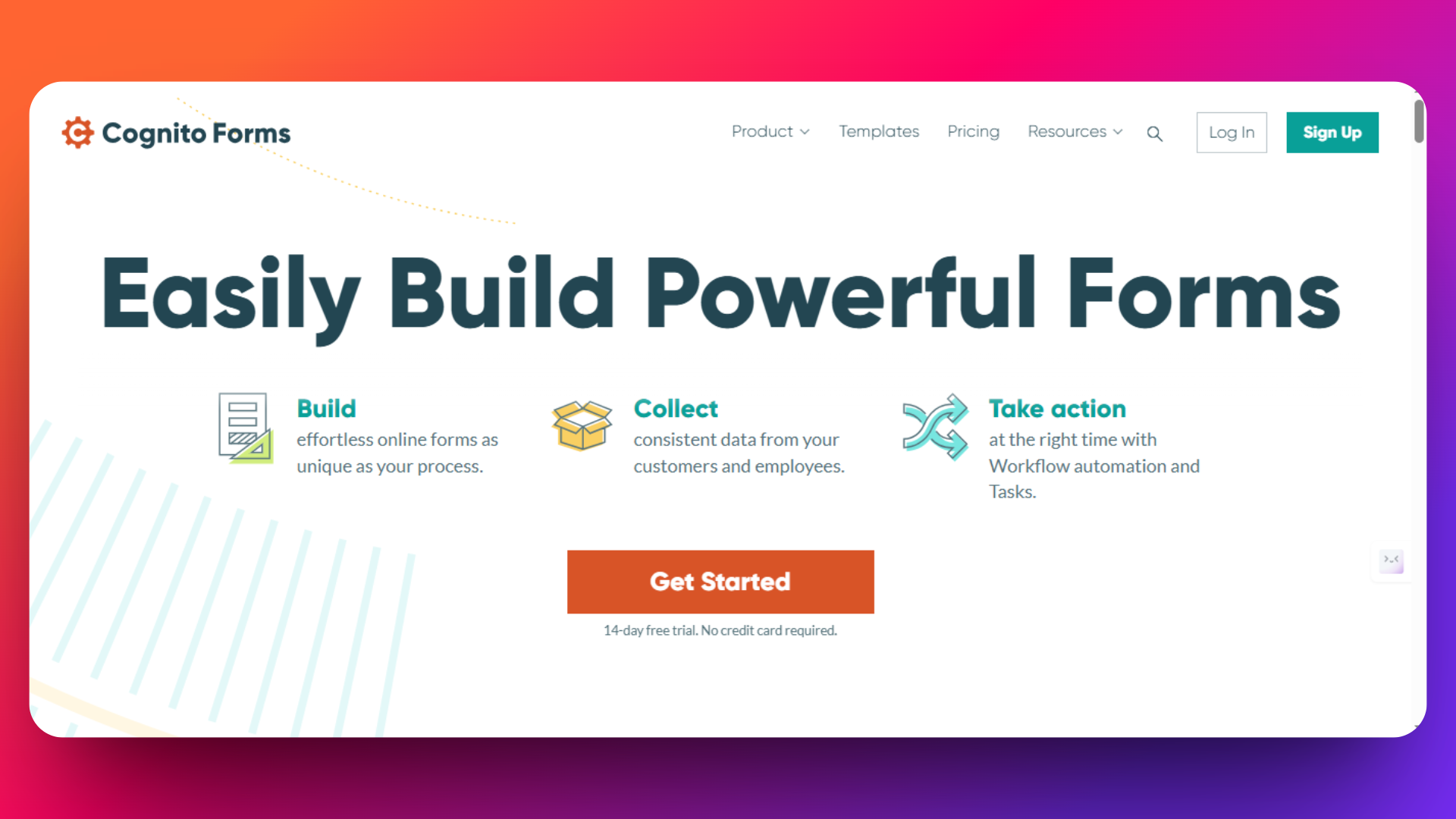
Cognito Forms strikes an impressive balance between functionality and affordability, making it an exceptional choice for businesses seeking professional-grade features without the premium price tag. This platform has earned recognition for delivering excellent value while maintaining robust security standards that rival enterprise solutions.
Key Features
- Ad-Free Forms: Professional appearance with no Cognito Forms branding or advertisements, even on free plans
- Advanced Form Logic: Sophisticated conditional logic, calculations, and field dependencies that adapt forms based on user responses
- Multi-User Team Support: Collaborative form building with role-based permissions for team management and workflow control
- Payment Processing: Built-in Stripe and PayPal integrations for seamless transaction handling and e-commerce applications
- Document Generation: Automatic PDF creation from form submissions for contracts, receipts, and official documentation
- File Upload Management: Secure file collection with storage management and virus scanning capabilities
- HIPAA Compliance: Enterprise-level security features including SSL encryption and compliance with healthcare data regulations
- Workflow Automation: Email notifications, task assignments, and approval processes to streamline business operations
Pricing
- Free Plan: 1 user, unlimited forms, 500 entries/month, basic features.
- Enterprise & Compliance Plans: Custom pricing for higher security and HIPAA compliance.
Check out the Cognito form's pricing page for information about latest pricing - https://www.cognitoforms.com/pricing
Pros:
- Outstanding value proposition with generous free tier limitations
- No advertisements or branding on forms maintains professional appearance
- Strong security compliance features rival expensive enterprise solutions
- Intuitive interface requires minimal learning curve for new users
- Flexible pricing tiers accommodate businesses of all sizes
- Advanced calculation capabilities ideal for quote forms and applications
- Excellent customer support with responsive assistance
- Robust integration ecosystem connects with popular business tools
Cons:
- UI less modern vs. Typeform/FormNX - Focus is on function over flash.
- Storage limitations on lower-tier plans may restrict file upload capabilities
- Template library smaller compared to JotForm or SurveyMonkey alternatives
- Advanced customization options require technical knowledge for complex implementations
- Mobile app functionality limited compared to native mobile-first competitors
- Integration selection more restricted than larger platforms like FormNX or JotForm
User Reviews
G2 Rating: 4.5/5 stars - “Easy to create a responsive form using conditional logic, answer piping, and automation with stripe/zapier. Easy to share templates between accounts. Easy to embed forms into a website.”
Trustpilot Rating: 4.1/5 stars - “This was the first time using the software. I would of like a chance to call directly to support. The response time for emailing was lagging. Not that it was bad, i just would of preferred over the phone support. I did get a new account up and they are using it.”
Best For:
Small to medium businesses prioritizing security and compliance, healthcare organizations requiring HIPAA-compliant data collection, professional service providers needing payment processing capabilities, teams seeking collaborative form management without enterprise pricing, and organizations that value transparent pricing structures over extensive feature sets.
Cognito Forms excels at providing enterprise-grade security and professional functionality at accessible price points. While it may lack the extensive template library of JotForm or the AI capabilities of FormNX, its combination of affordability, security compliance, and professional features makes it an excellent middle-ground choice for businesses that need more than basic form building but don't want to pay premium prices for advanced features they won't use.
6. Formstack
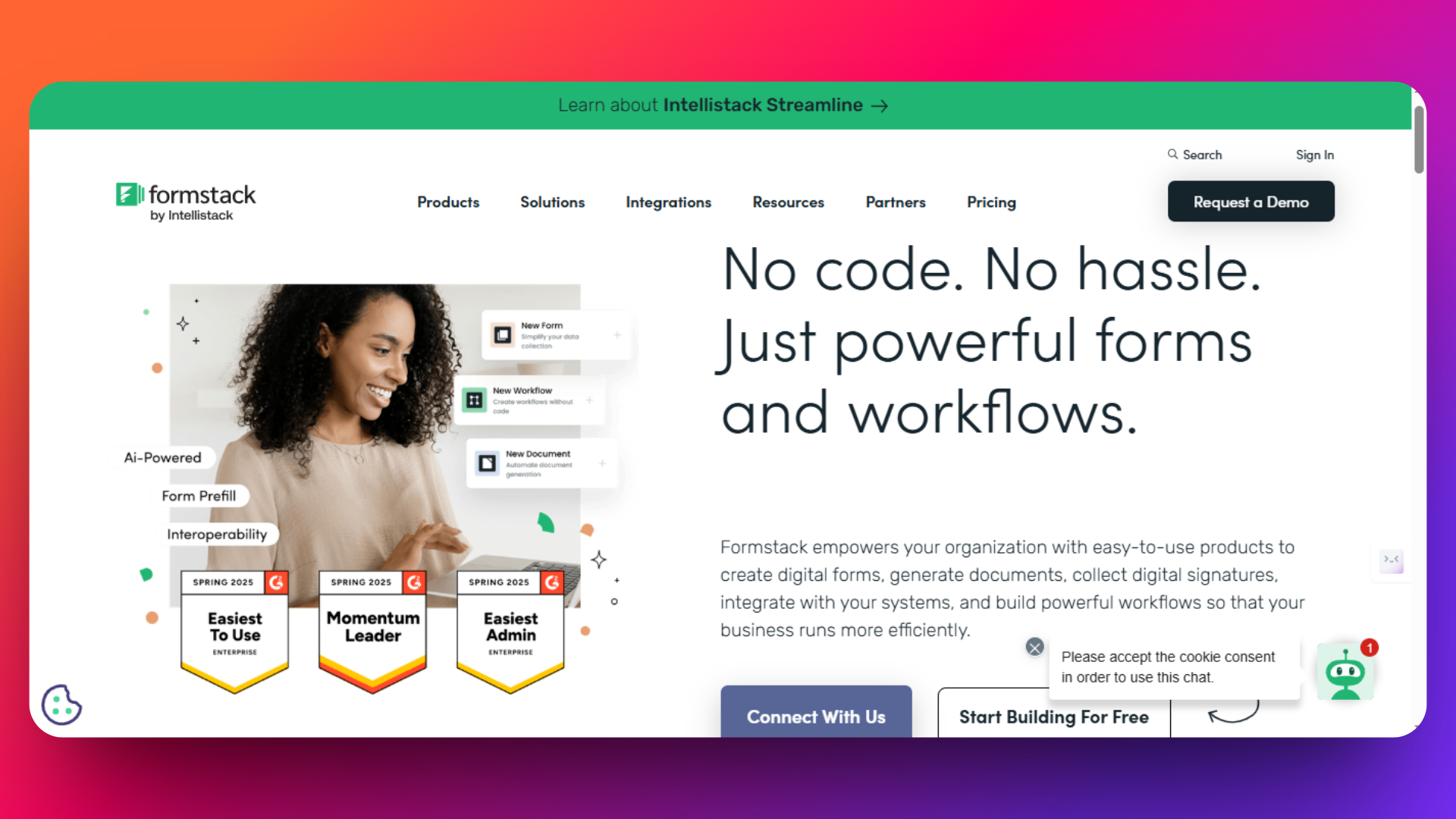
Formstack positions itself as the enterprise-grade solution for organizations requiring advanced security, compliance, and workflow automation capabilities. With HIPAA and GDPR compliance built-in, along with sophisticated document automation features, it serves regulated industries and large corporations that prioritize data protection and process standardization.
Key Features:
- Enterprise Security & Compliance: Built-in HIPAA, GDPR, and SOC 2 compliance with advanced encryption and audit trails for regulated industries
- Advanced Workflow Automation: Complex approval processes, task assignments, and multi-step workflows that integrate with existing business systems
- Document Generation: Automated PDF creation, contract generation, and document workflows that streamline administrative processes
- White-Label Solutions: Complete brand customization with custom domains, logos, and styling for client-facing applications
- Advanced Analytics: Comprehensive reporting dashboards with conversion tracking, abandonment analysis, and performance metrics
- Enterprise Integrations: Deep connections with Salesforce, HubSpot, Microsoft 365, and other enterprise software systems
- API Access: Robust developer tools for custom integrations and automated data synchronization
Pricing
- Free trial available
- Advanced features available as add-ons
- Actual prices may vary by region and custom contract
- Formstack’s pricing is positioned for larger organizations and is significantly higher than many competitors.
Please visit Formstack's pricing page for the pricing details - https://www.formstack.com/pricing
Pros:
- Industry-leading security and compliance features meet strict regulatory requirements
- Sophisticated workflow automation rivals dedicated business process management tools
- Excellent integration ecosystem connects seamlessly with enterprise software stacks
- Advanced A/B testing capabilities optimize form performance through scientific testing
- Dedicated customer success teams provide personalized support for large implementations
- Scalable architecture handles high-volume data collection without performance issues
- Professional services team assists with complex implementations and custom development
Cons:
- Significantly higher pricing makes it unsuitable for small businesses or startups
- Complex interface requires training and technical expertise to fully utilize capabilities
- Overkill for simple data collection needs where tools like FormNX provide better value
- Long-term contracts and enterprise sales processes slow down adoption timelines
- Advanced features require dedicated IT resources to implement and maintain effectively
Real User Quote
"I love that we can add as much logic as needed to each form. My company has some really long, complex forms, and it's great that I can hide sections and fields as needed to prevent team members from having to put "N/A" as a response hundreds of times. The email automation is a big plus" - G2
Best For:
Healthcare organizations requiring HIPAA compliance, financial services with strict data protection needs, large enterprises with complex approval workflows, regulated industries needing audit trails and compliance reporting, organizations requiring custom integrations with existing enterprise software, and companies with dedicated IT teams to manage sophisticated form implementations.
Formstack excels when regulatory compliance, enterprise security, and advanced workflow automation are non-negotiable requirements. However, its premium pricing and complexity make it inappropriate for small businesses or simple form creation needs. Organizations should carefully evaluate whether they truly need enterprise-grade features before committing to Formstack's higher investment requirements compared to more accessible alternatives like FormNX or Cognito Forms.
Based on the information I've gathered, here's the next section featuring Gravity Forms as the seventh alternative:
7. Gravity Forms - Best for WordPress
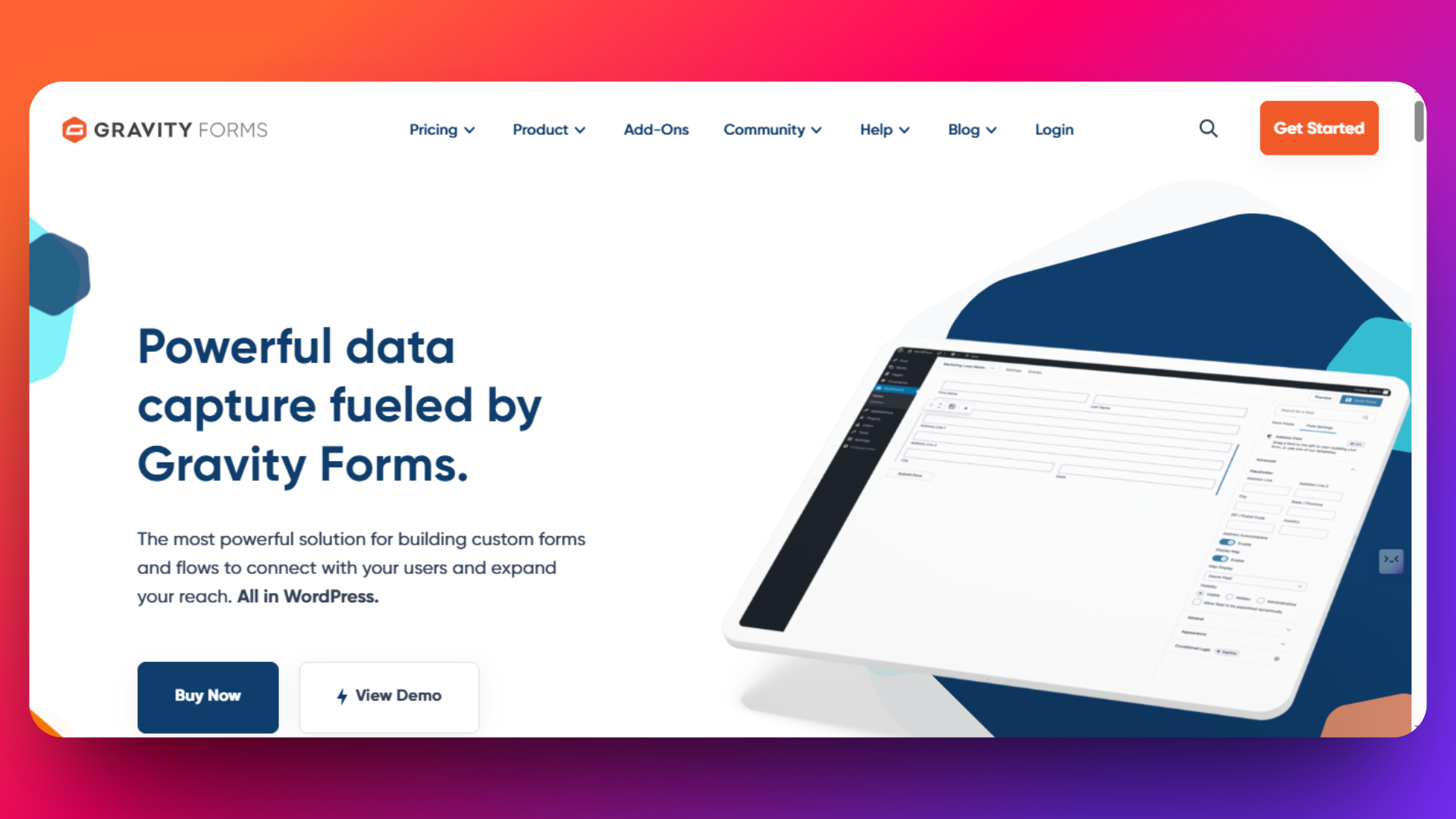
Gravity Forms has carved out a dominant position in the WordPress ecosystem, becoming the go-to form builder for WordPress websites that need advanced functionality beyond basic contact forms. With its one-time annual licensing model and deep WordPress integration, it offers a unique value proposition for WordPress-based businesses.
Key Features:
- Native WordPress Integration: Seamlessly integrates with WordPress themes, plugins, and user management systems without compatibility issues
- Multi-Page Forms: Create complex, multi-step forms with progress indicators and conditional page breaks for better user experience
- Advanced Conditional Logic: Sophisticated show/hide functionality that creates dynamic forms based on user selections and responses
- Extensive Add-On Ecosystem: Over 30 official add-ons including payment processors, CRM integrations, and advanced field types
- User Registration Integration: Connect forms directly to WordPress user accounts for membership sites and user management
- File Upload Management: Advanced file handling with size restrictions, file type filtering, and secure storage options
- Developer-Friendly: Hooks, filters, and custom functionality options for developers needing advanced customizations
- Form Scheduling: Set forms to appear or disappear at specific dates and times for event registrations and limited-time offers
Pricing
Check out the pricing page for detailed information about pricing - https://www.gravityforms.com/pricing/
Pros:
- Annual licensing eliminates ongoing monthly subscription costs
- Deep WordPress integration provides seamless functionality with existing websites
- 4.6 rating on Capterra demonstrates strong user satisfaction
- Extensive add-on library covers virtually every form functionality need
- Strong developer community provides custom solutions and support
- No transaction fees on payments processed through integrated gateways
- Advanced user registration capabilities ideal for membership sites
- Regular updates and security patches maintain compatibility with WordPress
Cons:
- Requires WordPress hosting - not suitable for other platforms or standalone use
- No free plan available, making it inaccessible for budget-conscious users
- Annual payment requirement may strain cash flow for small businesses
- Learning curve for non-WordPress users unfamiliar with the ecosystem
- Some advanced features require additional paid add-ons beyond base license
- Limited design customization compared to standalone form builders like FormNX
User Reviews
"It is one of the best form plugins. It is completely spam-free, has no problems, and is easy to set up and manage. Highly recommended!" - Trustpilot
Best For:
WordPress website owners needing advanced form functionality, membership sites requiring user registration integration, e-commerce businesses using WordPress with WooCommerce, developers building custom WordPress solutions, agencies managing multiple WordPress client sites, and organizations already invested in the WordPress ecosystem who prefer one-time annual payments over monthly subscriptions.
Gravity Forms excels when WordPress integration is essential and annual licensing fits your budget model. However, its WordPress-only limitation and lack of free options make alternatives like FormNX more suitable for businesses using multiple platforms or those needing cost-effective solutions with similar functionality. Choose Gravity Forms when WordPress integration is non-negotiable and you value the extensive add-on ecosystem over platform flexibility.
8. Zoho Forms
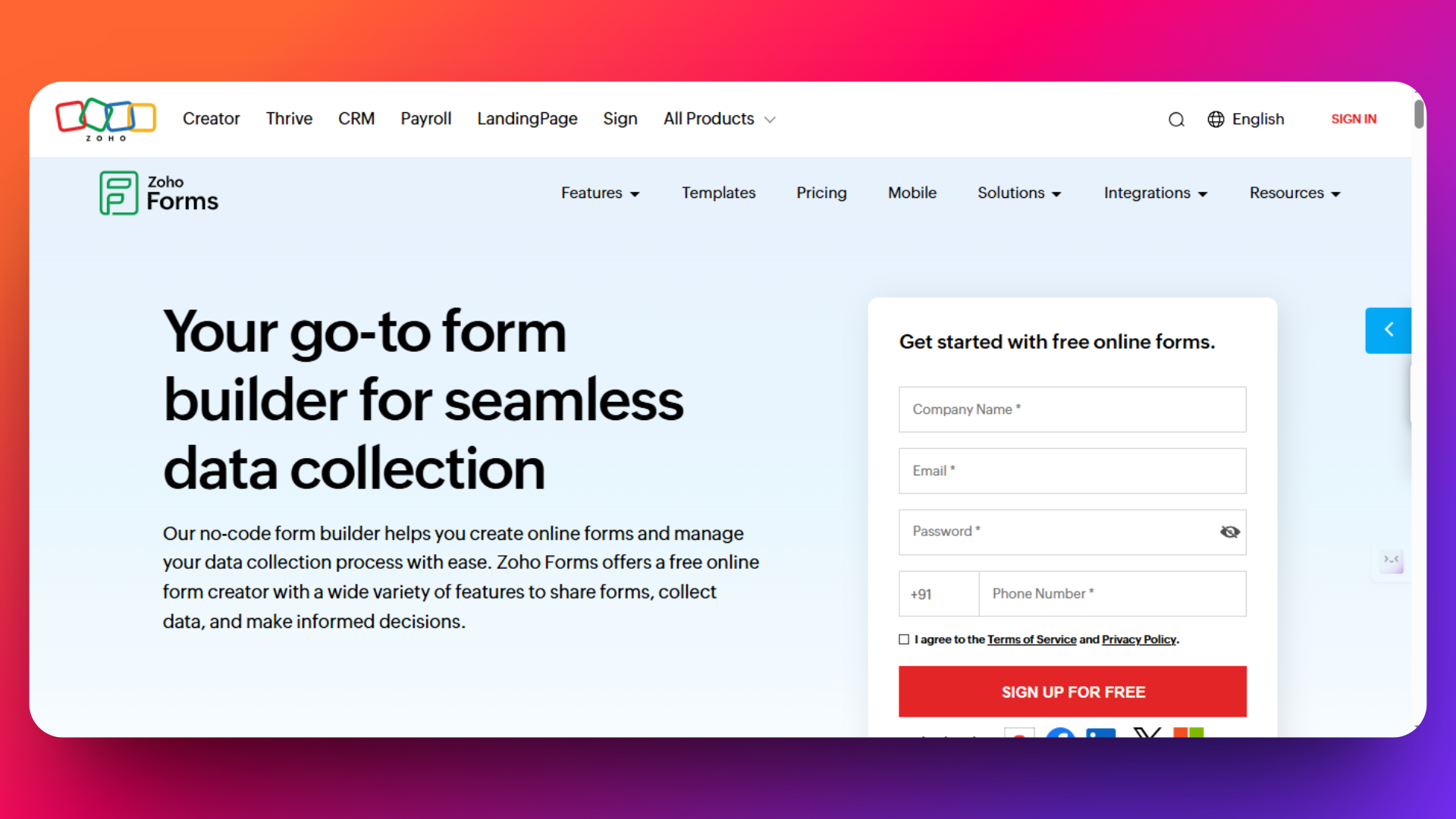
Zoho Forms are the ideal choice for businesses already invested in the Zoho ecosystem. With seamless integration across Zoho's comprehensive suite of business applications, it offers exceptional value for teams seeking unified workflow management and collaborative form building within an established business platform.
Key Features
- Native Zoho Suite Integration: Deep connectivity with Zoho CRM, Zoho Mail, Zoho Analytics, and 40+ other Zoho applications for unified business operations[18]
- Advanced Workflow Automation: Automated lead assignment, email sequences, and task creation that connects directly to your existing Zoho workflows
- Mobile Applications: Native iOS and Android apps enable field data collection and offline form completion for mobile workforce management
- Multi-User Collaboration: Team-based form creation with role-based permissions and shared form libraries for organizational consistency
- Custom Branding Options: White-label forms with custom domains, logos, and styling that maintain professional brand consistency
- Payment Processing: Integrated payment gateways including PayPal, Stripe, and Razorpay for seamless transaction handling
- Advanced Analytics: Built-in reporting dashboard with data visualization and export capabilities to Zoho Analytics for deeper insights
- API and Webhook Support: Developer-friendly tools for custom integrations and automated data synchronization
Pricing
Check out the pricing page for information about prices - https://www.zoho.com/forms/pricing.html?src=headermenu
All pricing shown for annual billing. Monthly billing available at higher rates.
Real User Reviews & Quotes
"I love that Zoho Forms gives users the ability to customize forms with branding, logos, and colors without any coding knowledge." - Capterra
Pros:
- Highly affordable pricing structure makes it accessible for small businesses[18]
- Excellent integration with Zoho ecosystem eliminates data silos and manual processes
- Strong value proposition for teams already using multiple Zoho applications
- Comprehensive mobile apps support field teams and remote data collection
- Advanced workflow automation capabilities rival dedicated business process tools
- Professional customer support with responsive assistance and training resources
- Regular updates and feature additions keep pace with business needs
Cons:
- Limited functionality outside the Zoho ecosystem compared to standalone alternatives like FormNX
- Smaller template library compared to specialized form builders like JotForm
- Learning curve for users unfamiliar with Zoho's interface conventions and terminology
- Advanced features concentrated in higher pricing tiers may require plan upgrades
- Integration options restricted primarily to Zoho applications and limited third-party connections
- Customization capabilities less extensive than developer-focused alternatives
Best For:
Existing Zoho customers seeking form integration, small to medium businesses using multiple Zoho applications, teams prioritizing unified business workflows, organizations requiring cost-effective form solutions with CRM integration, remote teams needing mobile data collection capabilities, and companies wanting centralized business management within a single platform ecosystem.
Zoho Forms shines when your business already operates within the Zoho environment or plans to adopt multiple Zoho applications for comprehensive business management. While it may lack the advanced AI features of FormNX or the template variety of JotForm, its tight integration with Zoho's business suite and competitive pricing make it an excellent choice for businesses seeking unified workflow management. However, organizations using diverse software tools or requiring extensive third-party integrations might find more value in platform-agnostic alternatives like FormNX that offer broader connectivity options.
The combination of affordable pricing, solid feature set, and seamless Zoho integration makes Zoho Forms a smart choice for businesses committed to the Zoho ecosystem, though standalone tools may better serve organizations prioritizing flexibility and extensive customization capabilities.
Conclusion: FormNX is Your Best Typeform Alternative
After comparing all 8 alternatives, FormNX emerges as the clear winner for most businesses seeking a Typeform replacement.
Why FormNX Beats the Competition
Unmatched Value: FormNX offers unlimited forms and submissions completely free, while Typeform restricts you to just 10 responses per month. Even premium competitors like JotForm and SurveyMonkey can't match FormNX's generous free tier.
Advanced Features: Unlike Google Forms' basic functionality, FormNX includes AI-powered form building, advanced conditional logic, payment processing, and custom branding.
Proven User Satisfaction: With 4.4/5 stars on G2 and also 4.4/5 on Trustpilot, FormNX consistently receives good ratings.
No Hidden Costs: While other platforms lock essential features behind expensive paywalls, FormNX provides professional-grade functionality without breaking your budget.
Final Recommendation
Whether you're a small business owner, marketer, or entrepreneur, FormNX delivers everything you need from a form builder: unlimited usage, advanced features, beautiful designs, and reliable performance.
Ready to upgrade your forms? Try FormNX today and you'll have your first professional form ready in minutes.
Don't settle for Typeform's expensive limitations or Google Forms' basic features. Join thousands of satisfied users who chose FormNX as their go-to form builder and experience the difference yourself.
Get started with FormNX now and build better forms, faster.