
· 14 min read
Nikhil

If you have searched for google forms paypal, you already know Google Forms does not have a PayPal button you can drop into a form. Google's own support team confirms it: "Google Forms doesn't have any feature to accept Paypal payments" - every PayPal setup on Google Forms is a workaround.

The good news: there are 3 workarounds that actually work, each with different trade-offs around setup time, fees, and reliability. The not-so-good news: every workaround creates new problems Google Forms was never designed to solve.

In this guide you will learn the 3 real ways to add PayPal to Google Forms, the PayPal-specific limitations of each method, and a native PayPal alternative that skips the add-on dance entirely.
· 12 min read
Nikhil

A patient registration form collects personal details, medical history, insurance information, and consent from patients before their first visit. Every healthcare practice needs one - whether you're running a dental clinic, a hospital, a specialty practice, or a telehealth service.

The problem? Most practices still use paper forms or clunky PDFs that patients fill out in the waiting room. This wastes appointment time, creates data entry errors, and frustrates patients before they even see the doctor.

With FormNX, you can create an online patient registration form in minutes - no coding needed. Patients fill it out on their phone before arriving, and you get organized, readable data instantly.

This guide covers what to include, how to build one, templates for different practice types, and common mistakes to avoid.

· 11 min read
Nikhil

An event registration form collects attendee information, preferences, and payment for conferences, workshops, fundraisers, college events, and community gatherings. A well-built form replaces email sign-ups, prevents double registrations, and handles payment in one step.

With FormNX, you can create an event registration form in minutes - pick a template, add your fields, configure payment and confirmations, and publish. No coding required.

This guide covers how to build one, what questions to ask, templates by event type, and how to avoid common mistakes.

· 17 min read
Nikhil

A registration form collects participant information for events, courses, memberships, programs, and organizations. Whether you're signing up students for school, attendees for a conference, or patients for a clinic - the right registration form saves hours of manual work and prevents data errors.

With FormNX, you can create a professional registration form in minutes - no coding needed. As a no-code form builder, it lets you pick a template, customize your fields, add payments if needed, and publish — without a developer in the loop.

This guide covers everything: what registration forms are, 17+ types, how to build one, essential fields, common mistakes, and the best tools available.

· 7 min read
Nikhil

Introduction

Every day, businesses lose countless hours manually filling out the same PDF forms-invoices, contracts, and surveys. Research shows that manual PDF form filling wastes an average of 2-3 hours per document, translating to thousands of dollars in lost productivity annually.

The solution? Fillable PDFs-interactive documents that let users type directly into designated fields, check boxes, and submit information digitally. Whether you're creating invoices, application forms, or client contracts, knowing how to make PDFs fillable is essential in today's digital workplace.

· 7 min read
Nikhil

Introduction

Still manually filling out the same PDF forms every week? While most people think of PDFs as static documents you download and painstakingly fill out by hand, modern PDF templates have evolved into dynamic documents that auto-populate with your data and save hours of repetitive work.

If you're searching for PDF templates that actually work for your business, you've landed in the right place. FormNX offers over 1,000 free, customizable templates that connect directly to your forms, transforming how you handle everything from invoices to contracts.

Here's the reality: businesses waste an average of 5+ hours per week on document creation. Whether you're a freelancer sending invoices or a small business owner juggling contracts, the right PDF templates can cut that time down to minutes.

In this article, you'll discover 8 game-changing PDF templates that prove PDFs aren't just digitized paper-they're powerful automation tools. Ready to change your mind about PDFs? Let's dive in.

· 7 min read
Nikhil

Introduction

The digital signature market is projected to reach USD 13.09 billion in 2026, growing at a 19.97% CAGR through 2032, as businesses shift to paperless workflows.

If you're searching for "how to add a digital signature to PDF", "how to insert an electronic signature in PDF" or "how do I add a digital signature to a PDF" you're not alone-millions seek quick, secure ways to sign documents without printing or scanning.

Manual methods waste days and dollars, but FormNX changes that. This free form builder lets you drag-and-drop a signature field into any form, fill it out, and auto-generate a signed PDF on submission-no add-ons or extra tools needed. In this guide, get step-by-step instructions using FormNX, plus ready templates to start immediately. Save 75% on turnaround time compared to paper processes.

· 7 min read
Nikhil

Introduction

Struggling with "How to make automated certificates using forms in Google form"? You're not alone-educators, webinar hosts, and HR trainers waste hours on manual PDFs or clunky add-ons like Smart Certificates, Certify'em, Autocrat or Zapier integrations, which involve complex Google Sheets setups.

Google Forms is popular with 50M+ users, but its lack of native PDF generation forces workarounds that break easily and cost extra-think $10+/month for add-ons or coding Google Apps Script, no instant emails, and setups that fail for 40% of non-tech users per tutorial comments.

Looking to create a certificate with Google forms? This guide first walks you through a quick workaround to satisfy that need. But more importantly, it shows why FormNX is the better alternative.

· 8 min read
Nikhil

PDF builder

Introduction

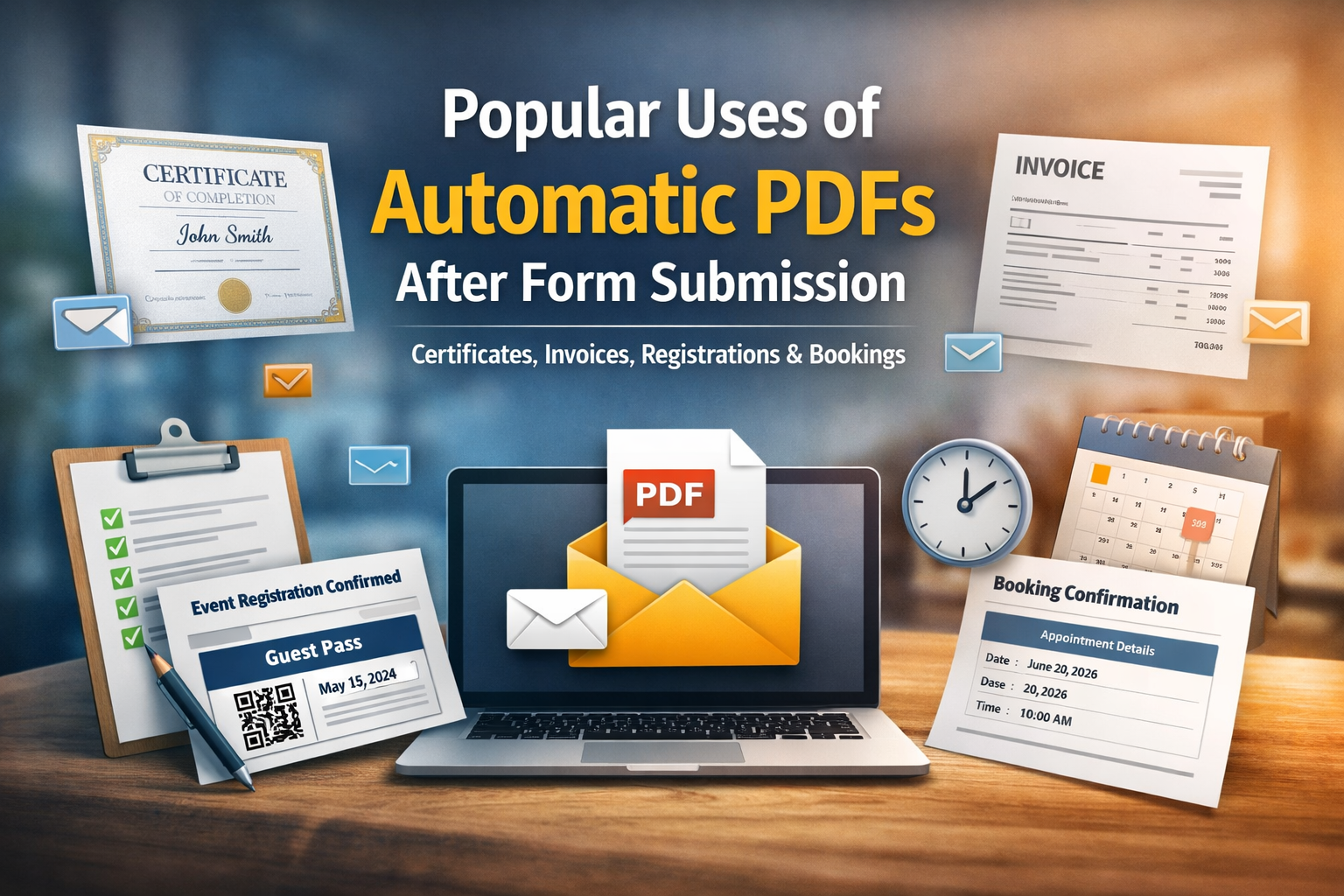
Forms are everywhere - from event registrations to online bookings, invoices to certificates. But collecting data is only half the job. In most real-world workflows, you need to turn that data into a document people can download, print, or save - preferably instantly and professionally.

That’s where automatically generated PDF documents shine. Whether you’re confirming a registration or issuing a certificate of completion, PDFs serve as a formal and shareable output that adds credibility and convenience.

In this blog, we’ll explore the most valuable use cases for PDF generation after form submission and walk through what each confirmation PDF typically includes - so you know what to expect and how to deliver professional results.

· 6 min read
Nikhil

Introduction

Google Forms is often the first tool people turn to when they need a quick form. It’s simple, free, and easy to use. But when the requirement goes beyond data collection - especially when you need to automatically generate PDFs or send digital tickets - many users hit a wall.

A very common question looks like this:

“Can a form automatically send a personalized PDF ticket to the respondent?”

While this is technically possible with Google Forms, it usually involves scripts, add-ons, or complex setups. On the other hand, FormNX is built specifically to handle this workflow natively.

In this article, we’ll compare FormNX vs Google Forms with a focus on automatic PDF generation and digital ticket delivery, so you can decide which tool fits your needs better.